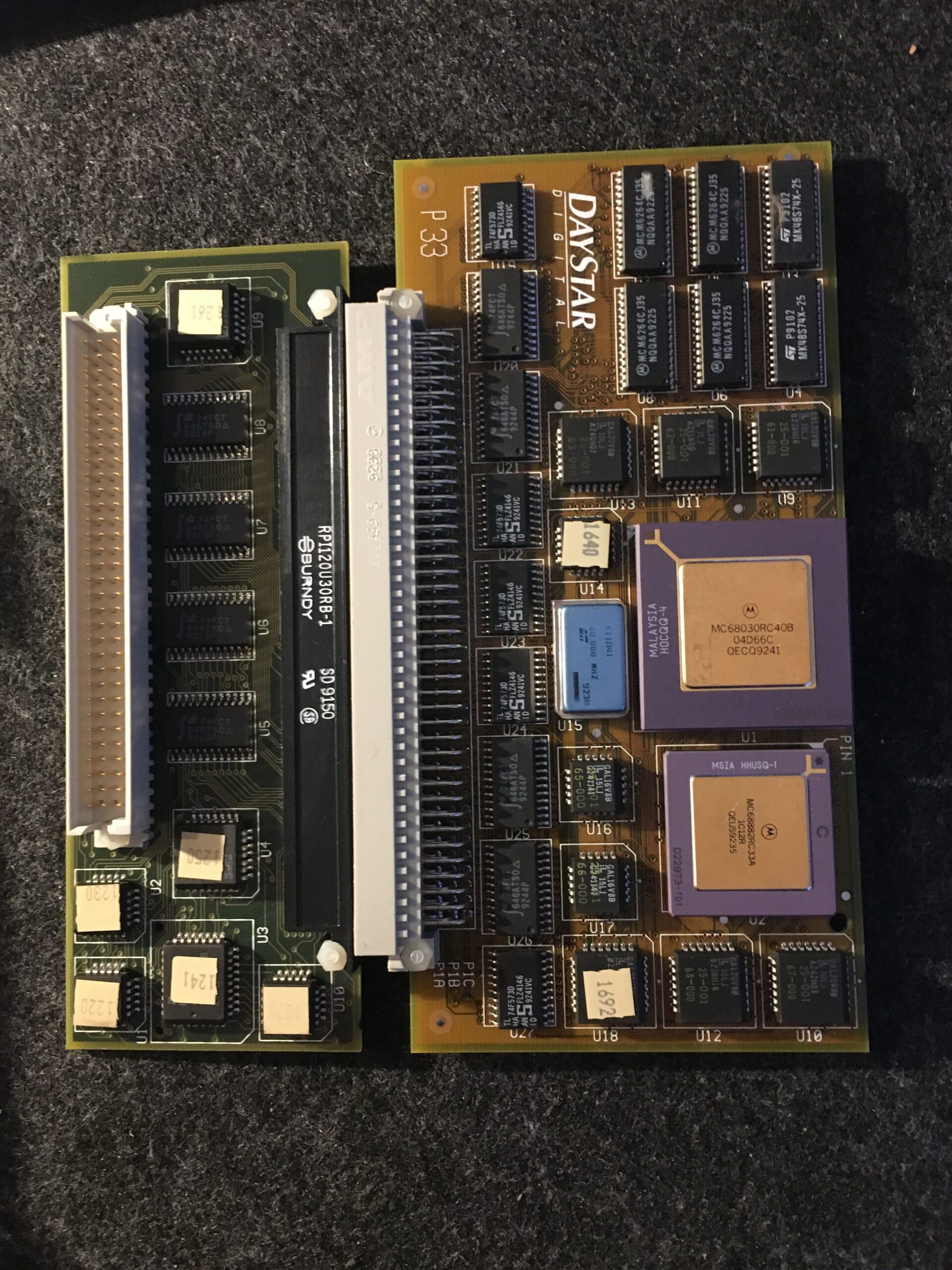
My old Mac LC has a lot of sentimental value. My first Mac. The result of a major saving up exercise. Bought primarily for the final year of my Computer Science degree. I squeezed quite a long life out of it, with a DayStar accelerator card that I bought out in the States while attending the MacWorld Expo 1993 (and there is a story to that) but it has been in its original box for over 24 years.
I fully intend getting this machine going again, probably using a BlueSCSI or similar. But I had seen from the many retro-computing YouTubers varying levels of capacitor and battery leakage. So today was a quick inspection to see if it is similarly affected.
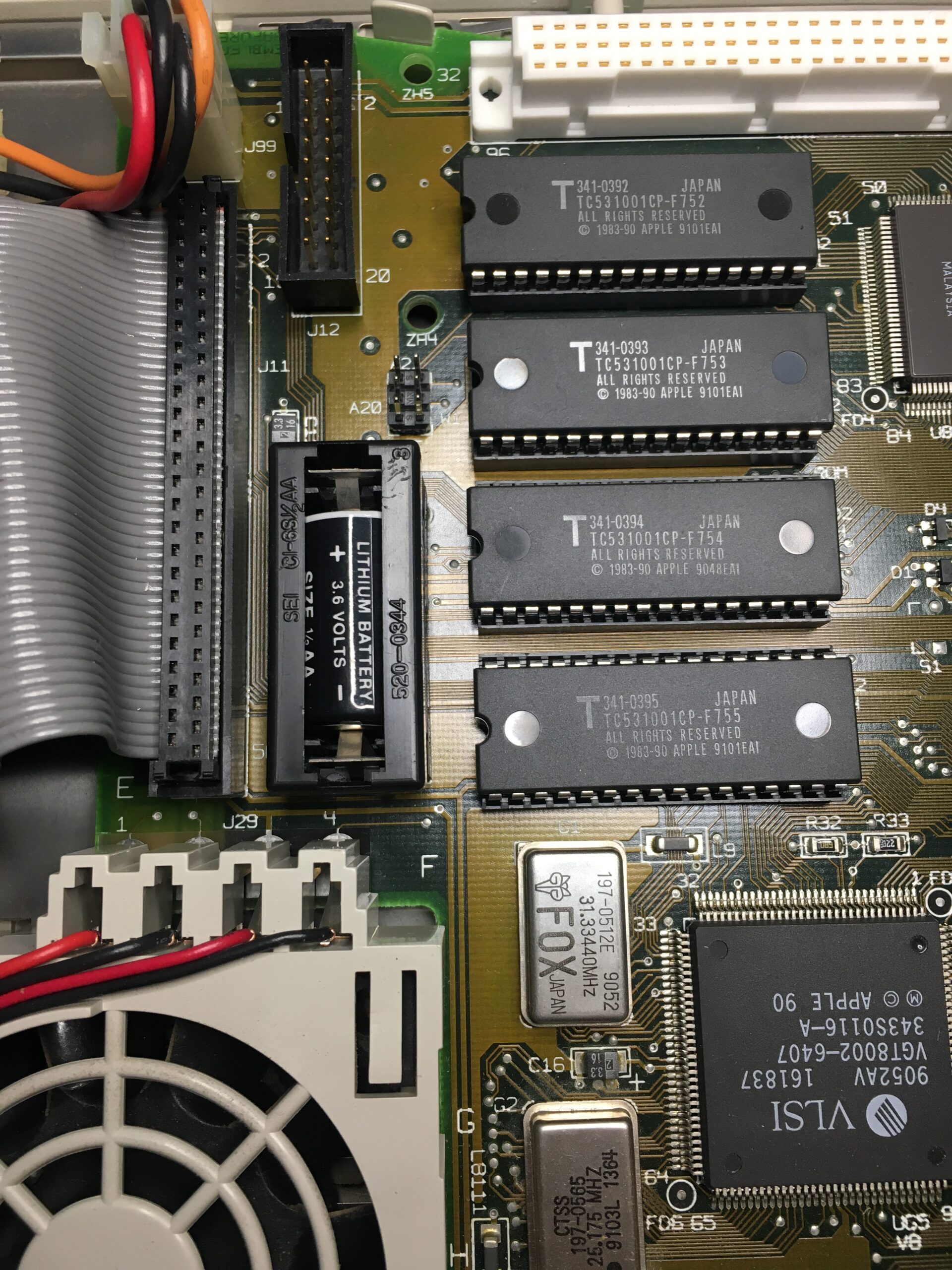
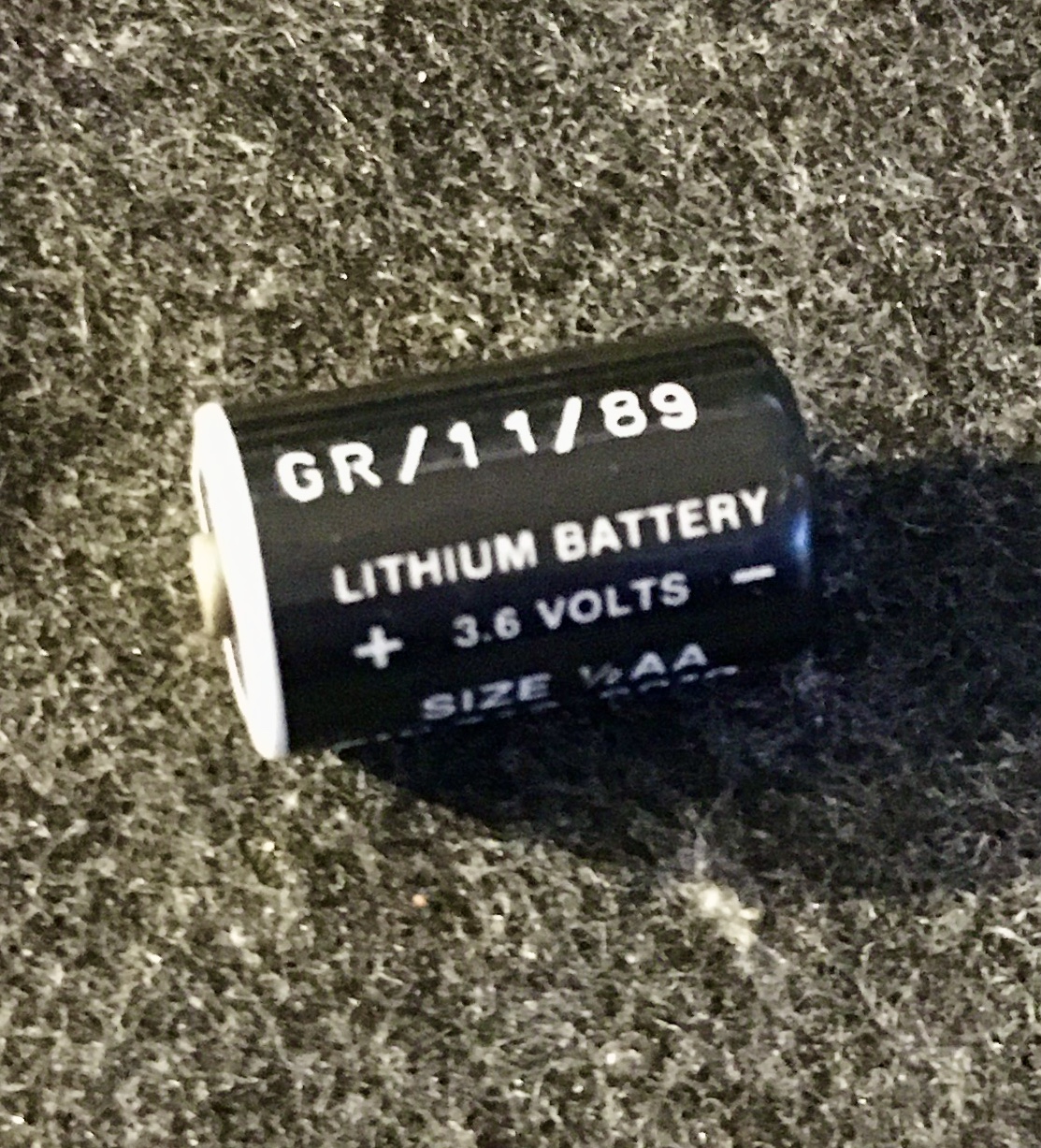
On first inspection, the battery looks ok. No sign of leakage, but quite flat, only able to deliver 41 mV as opposed to the 3.6V. If that’s a date code on the battery 11/89, I guess expecting any change remaining after 35 years was optimistic.
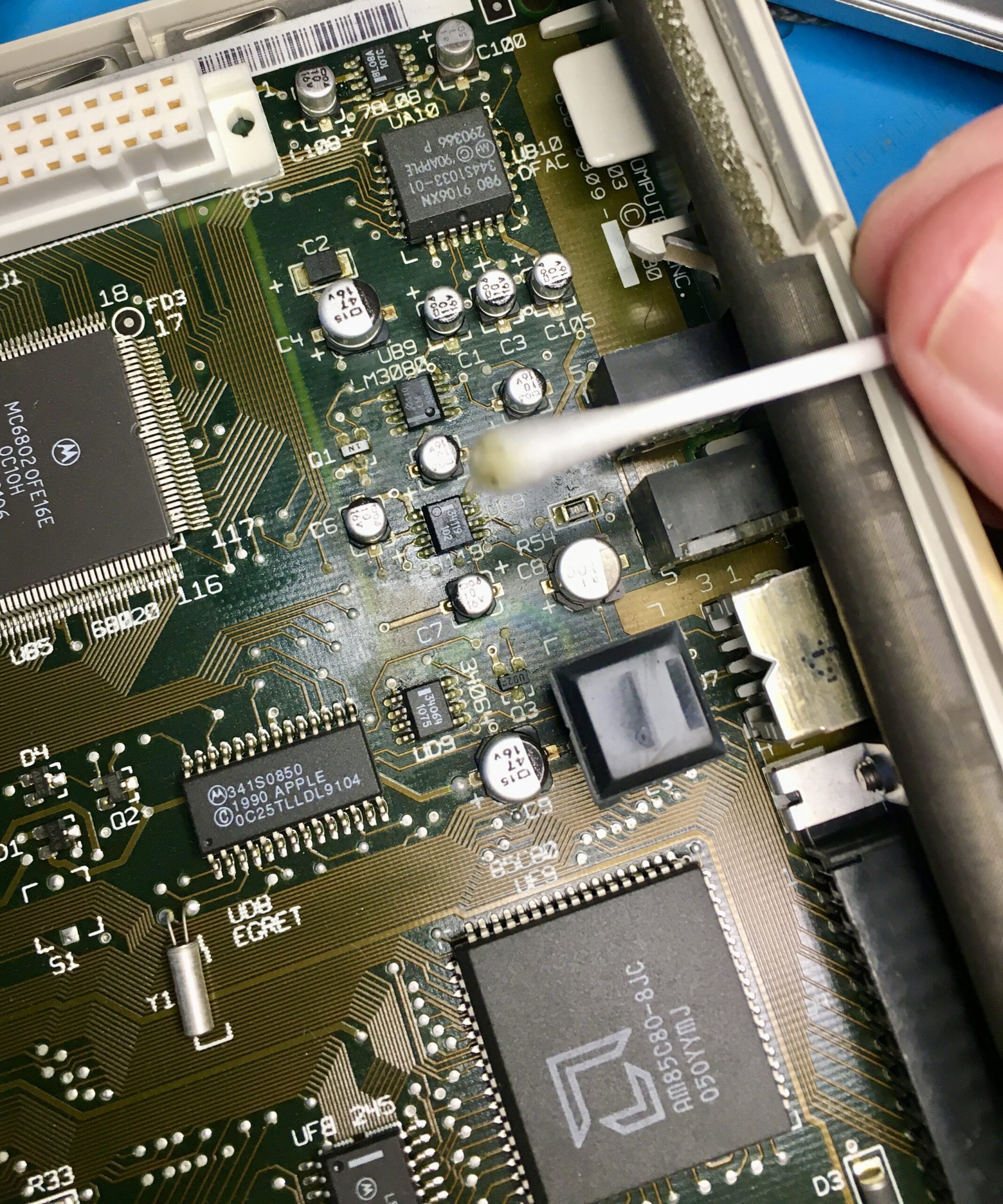
At a glance, there didn’t seem to be much problem near the caps. Although on closer inspection, it is clear that some of the component solder joints are matt with a green tinge – so, not so good. For now, I cleaned as best I can with isopropyl alcohol. The cotton swabs turning a horrible greenish colour kind of confirms the leakage. The board however does look in decent condition with the traces looking good.
Recapping is going to be vital I think before applying power back to the machine.
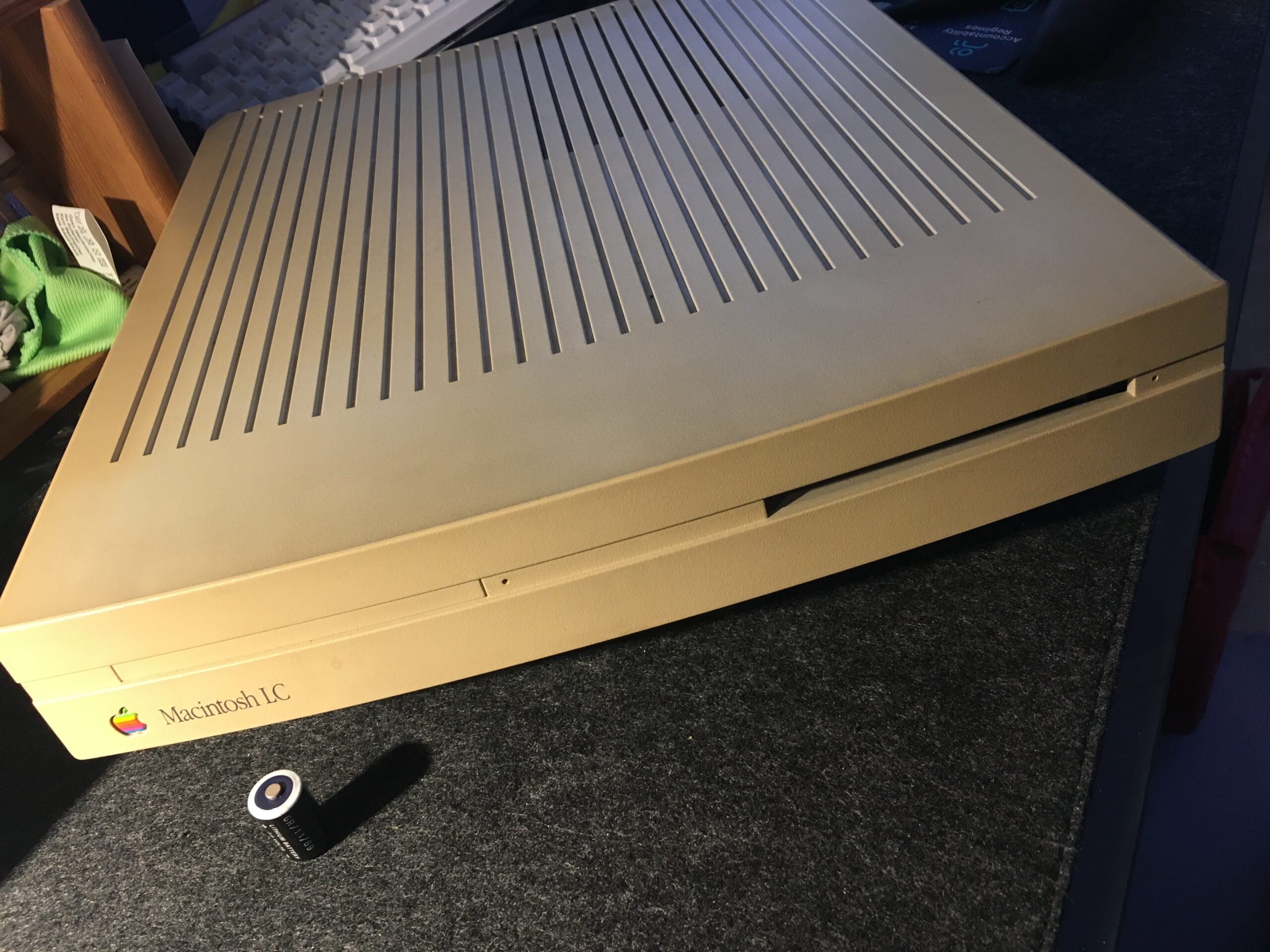
Additionally, it was also pretty sad to see how brown the casing had turned. It has spent a few years in a brightly sun-lit room before being boxed up, and is no-longer the nice light grey I remember. I’ll have to consider retro-brighting – but for me, this particular unit is a one-off. I don’t want to mess it up and I live in a flat – with no outdoor area for the sun part of the process, it is going to be a challenge.
My first Mac… The LC, case suffering the ABS plastic browning PRAM battery – thankfully without leakagePRAM battery – manufacture year 1989 ?Isopropyl alcohol swabbing around the leaked capsDayStar accelerator card – cost me a fortune, but brought 68030 and a math co-processor to the LC
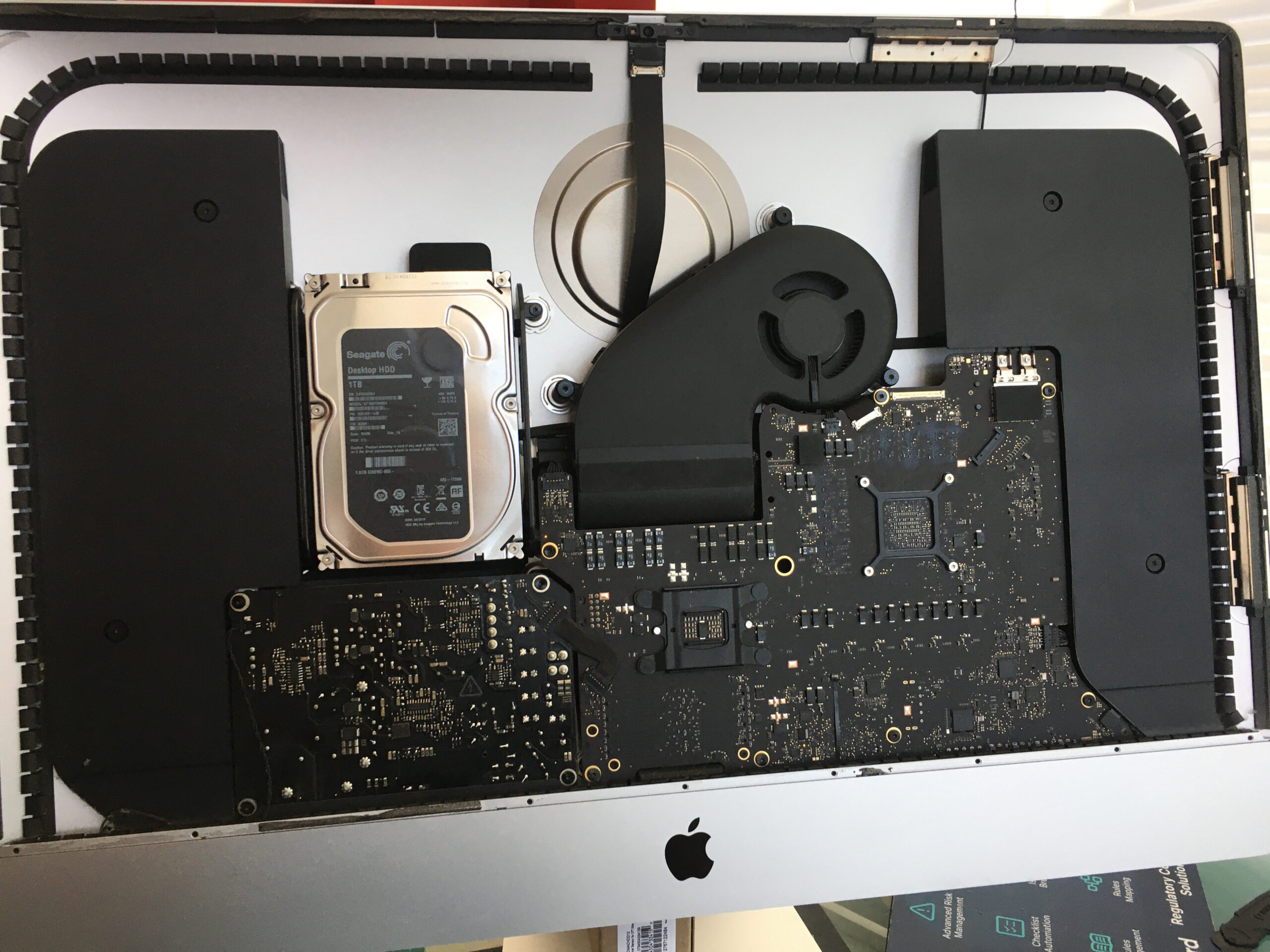
Very long overdue. When I got hold of the iMac 5K, 27 inch, 2019, I was bargain hunting really. I like the large screen, I like that it was well discounted on the Apple Refurbished store, but I wasn’t over keen on the prospect of a fusion drive. Knowing that to replace it internally would mean removing the screen, I opted to wait until the warranty had expired. Far too long later, after suffering quite horrible slowness, and some system crashes (I am sure caused by the Fusion drive), it was time to do the switch.
As ever I researched via the many YouTube videos covering the subject, but opted for my own way.
First I got hold of the drive I intended to use (Crucial MX500 2TB SATA). This should do 560Mb/s. Not massively fast by today’s standards, but about 10* faster than the Fusion drive was achieving. A Sabrent ultra slim USB 3 enclosure was only around £10 so these two together, I essentially set the SSD up as a system drive:
Format as a system drive – unfortunately it cannot be encrypted at this stage
Install the system
Turn on file vault – then migrating my home directory
Use it as the system drive from now on
Immediately the speed increase is apparent. I used this configuration for a couple of months. However I really wanted rid of that fusion drive and bought the following parts, and with a free afternoon set about it.
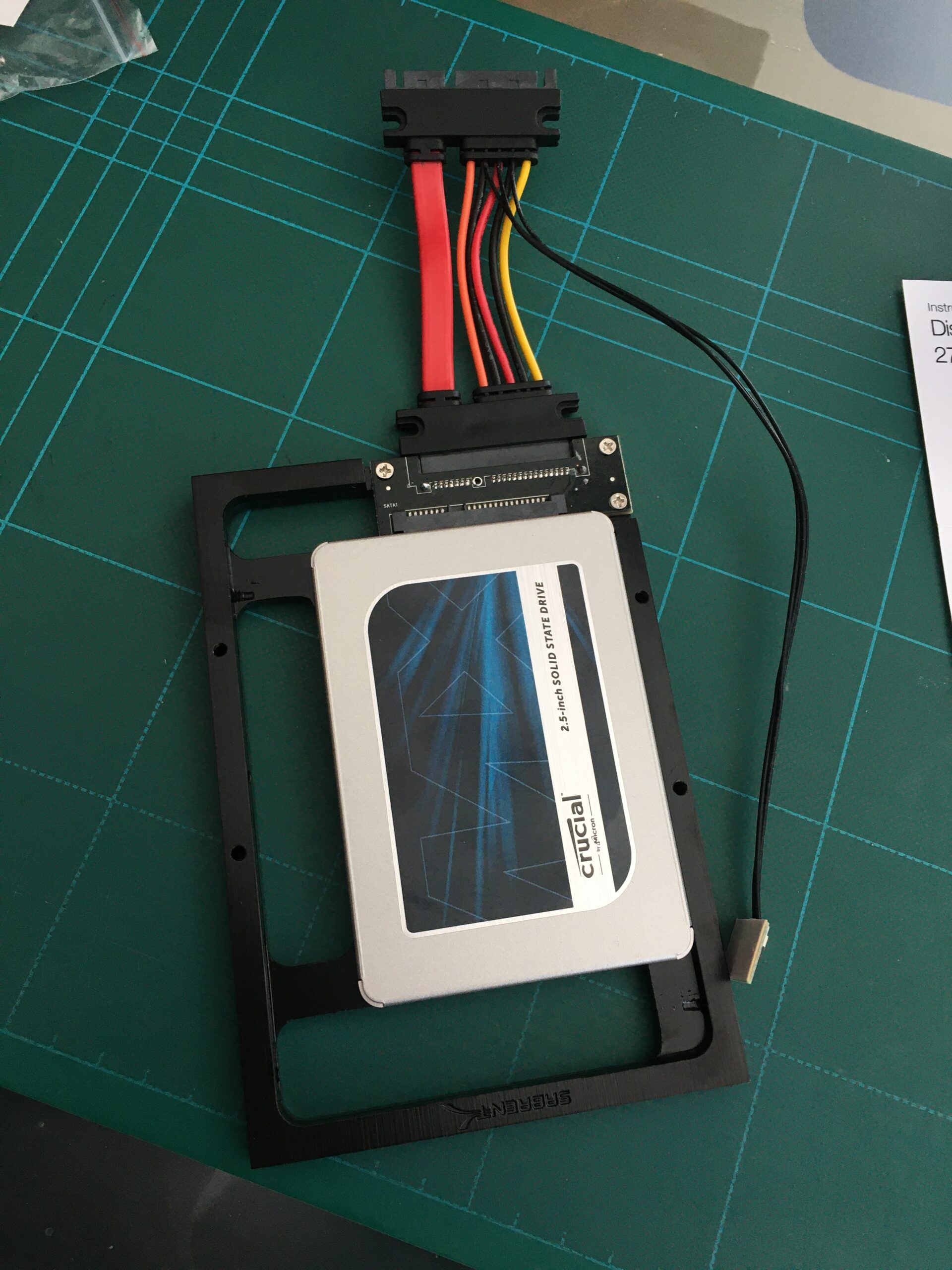
Sabrent 2.5″ SSD SATA to 3.5″ converter mounting kit
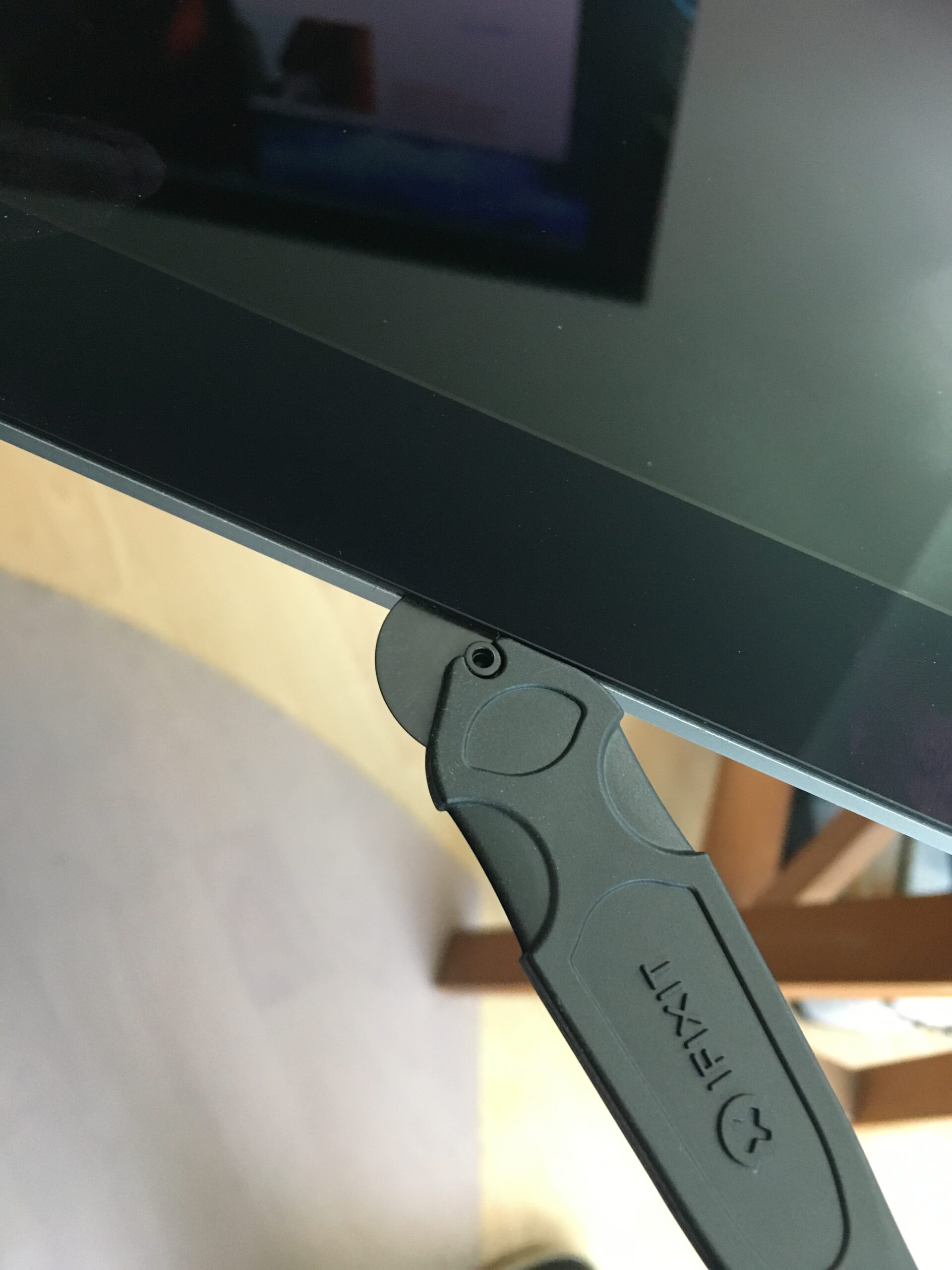
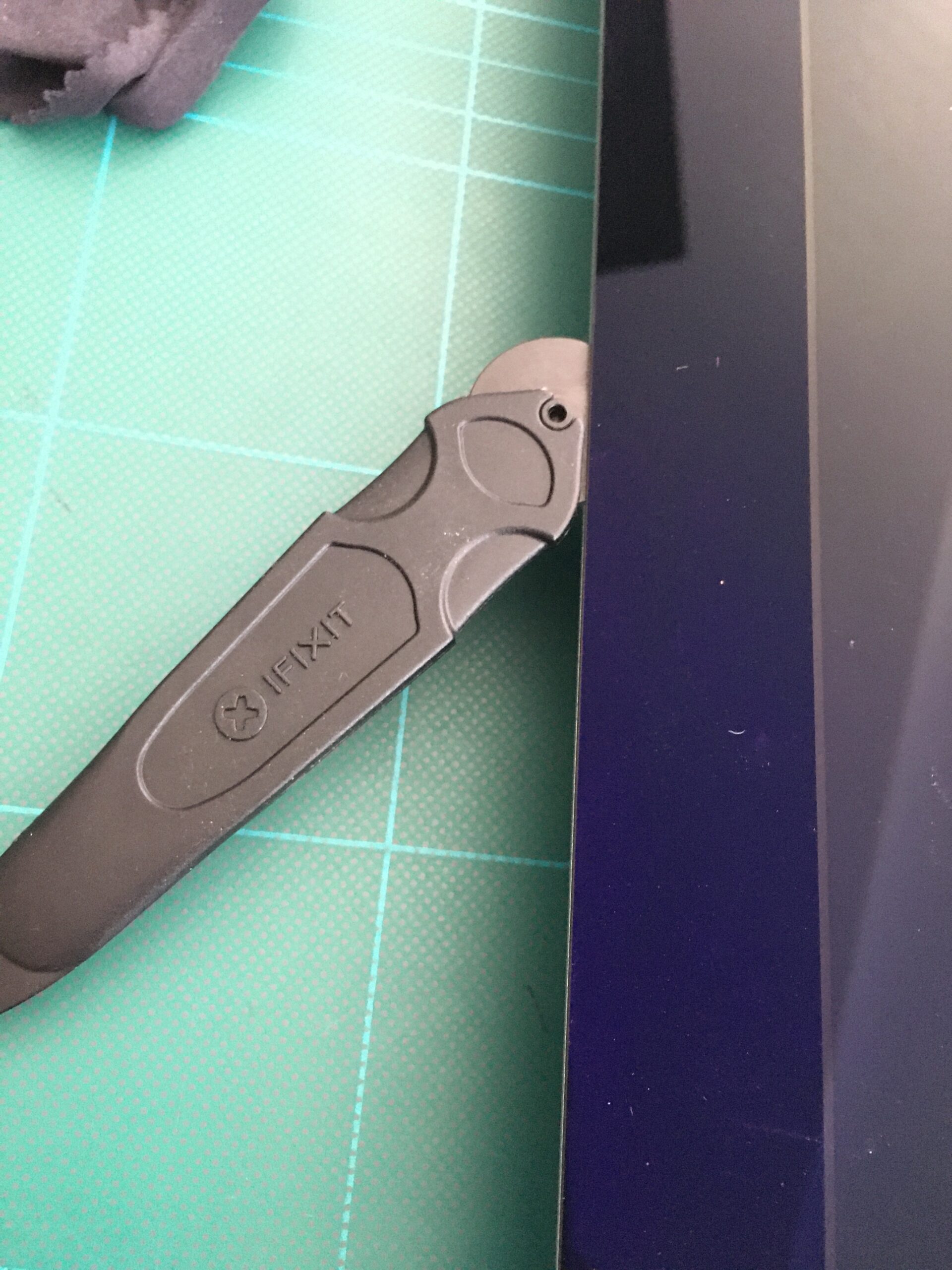
iFixit Opening wheel
OWC DIY bundle
In-line Digital Thermal Sensor
Glue strips
I am not convinced that the thermal sensor is strictly needed, but it would have been a real pain to find that it was having completed the instal.
The iFixit opening wheel felt flimsy, but did do the job, however it was nowhere near the quality of the iPhone 6s battery replacement kit. Once again, cleaning the residual glue from the frame was by far the most time-consuming aspect of this effort. But the most fiddly, and scary being the re-attachment of the screen cables far too short for my ‘ham fists’ to manipulate.
Having read some horror stories of the screen glue strips not being strong enough in some cases, I had opted for the well known OWC brand, rather than a much cheaper nameless product, and I also for the first 8 or 12 weeks used electrical tape to ensure there was no danger of the screen slipping off.
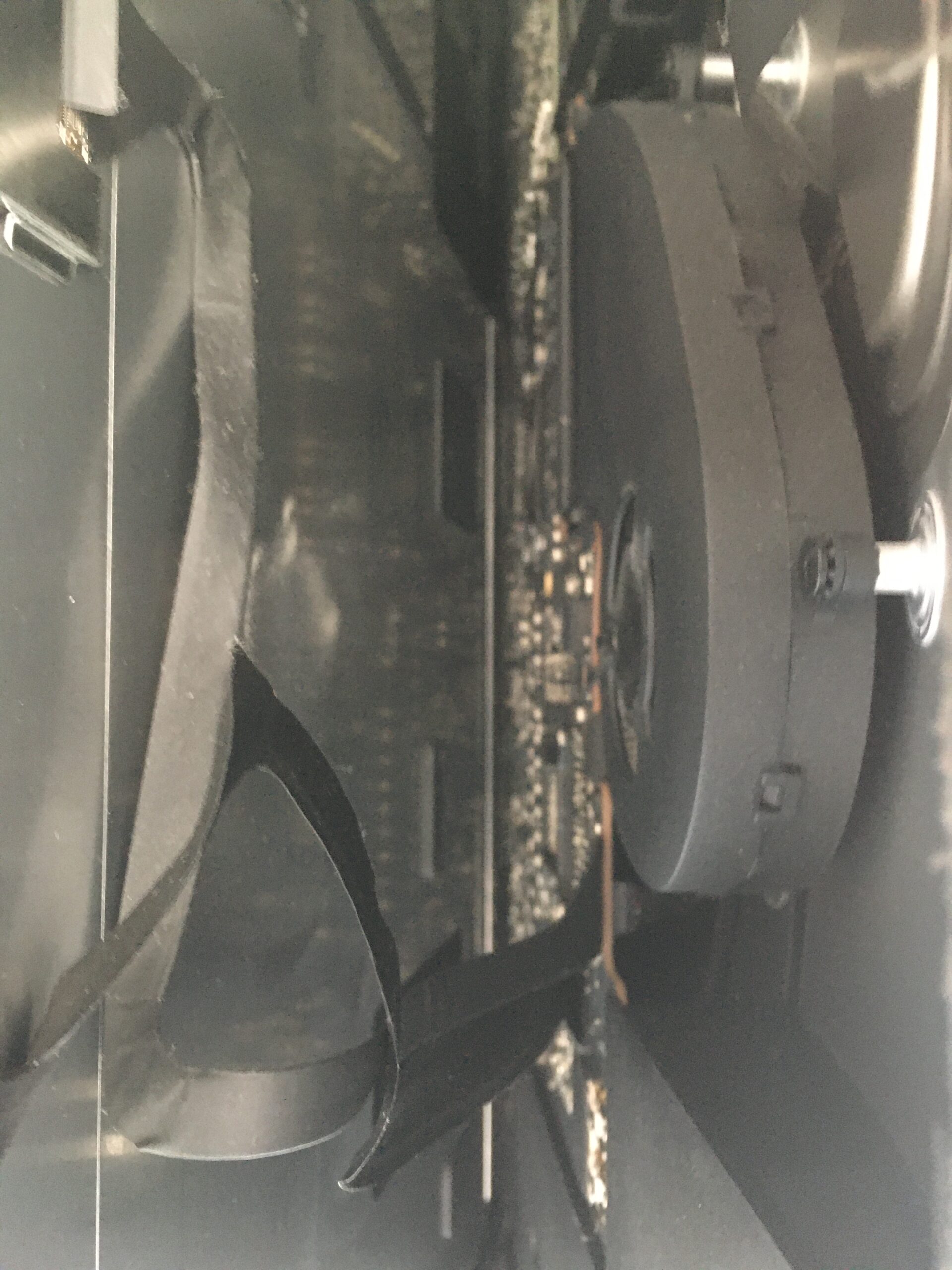
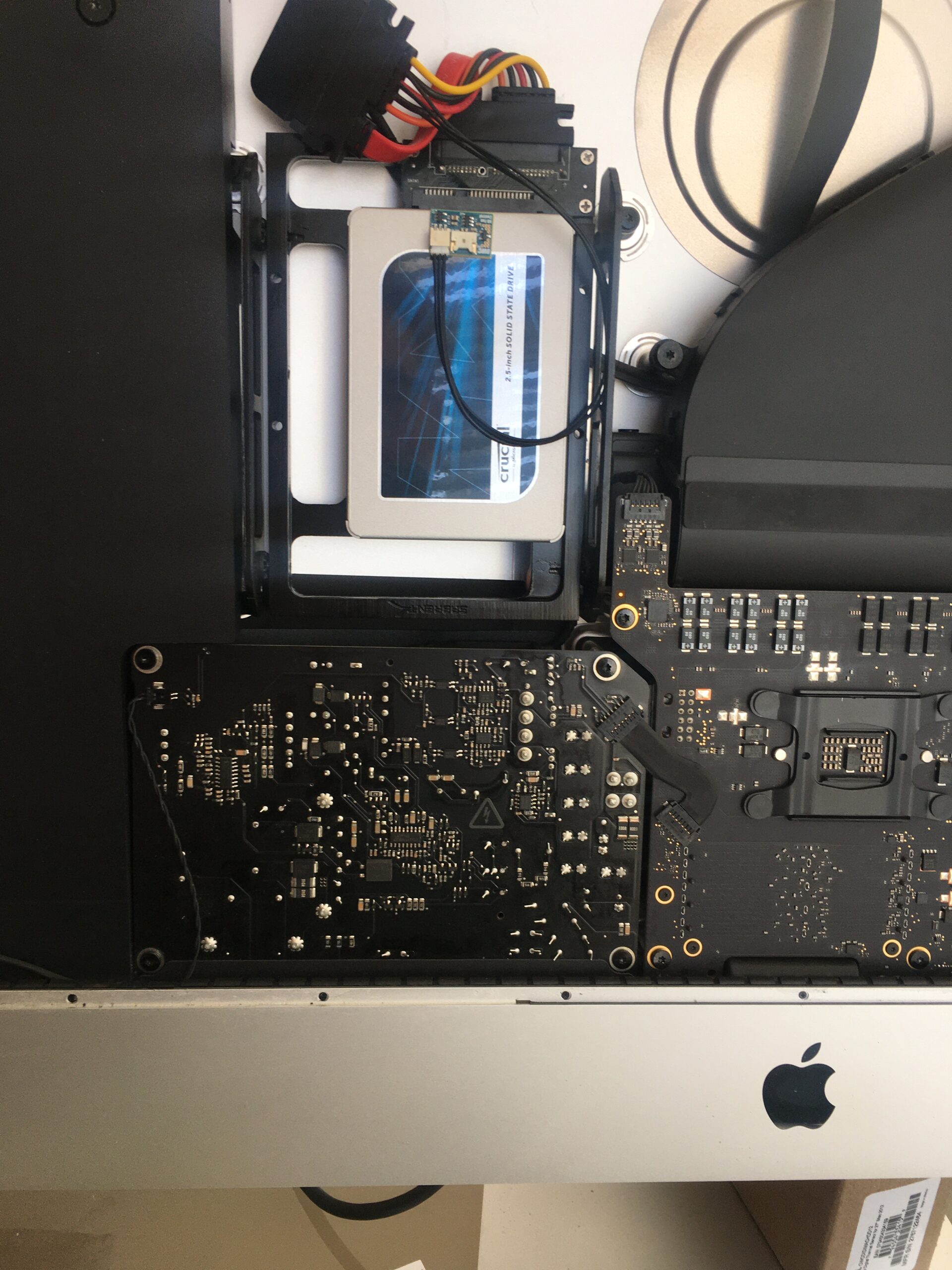
Cautious start with the iFixit opening wheelContinuing around the frame with the opening wheelNarrow opening to detach the screen cablesThe HDD part of the Fusion drive about to come outReplacement drive in its mounting kit with its inline temperature sensor
TLDR: I need to make the following repairs to my Roland Alpha Juno 2
Fix the touch sensitivity of one of the keys
Fix the non-sounding keys
Replace the back light
Replace the battery
Give it a good clean, inside and out
Using online articles and YouTube videos, I get into the repairs after sharing my history with this synth.
I saved up and bought it new in around 1986. I originally had a couple of small Casio keyboards PT-50 and MT-400V, and got my hands on a Roland SH-101 but wanted to step up to a polyphonic synth.
I was on a year out after my A-Levels, and earning, so a bus ride to into Manchester to hand over some cash (around £700 if i recall) and pick up my new Roland Alpha Juno 2. I’d never call myself a musician – I just enjoyed playing with the synthesis and trying to emulate the sounds of my favourite artists and bands of that time: Jean Michelle Jarre, Gary Numan, Ultravox, Human League, OMD and Pink Floyd.
I have always liked this synth and the feel of its semi-weighted keyboard and it seems to have lately found some popularity as a retro synth used by artists such as Kebu.
The synth (and home made amp) came with, as I left home in 1988 to study for my Computer Science degree. It survived the halls of residence and two student houses despite a near constant fear of being burgled.
In my first year however, it started behaving erratically and needed a repair. Rock city in Middlesborough did the repair job, which included replacement of the memory backup battery and some fuses. It hadn’t been again since. I’m amazed that the patches programmed over 30 years ago remain intact. Having owned it from new, I attach a lot of sentimental value to this synth and I don’t want to ruin it while I attempt to repair it.
I was able to find the reference materials on manualslib. Additionally I searched and found a number of repair videos on YouTube:
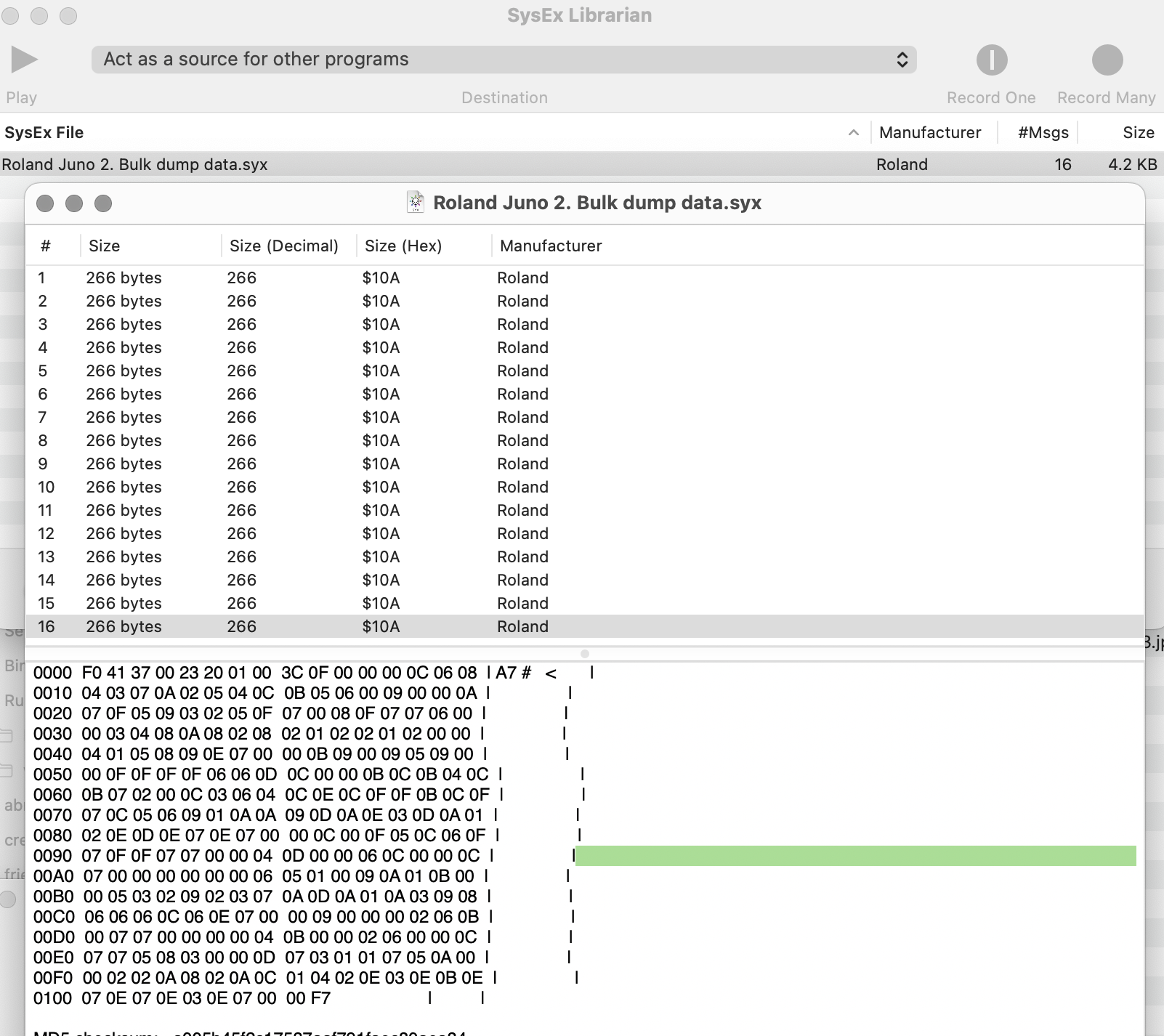
Since I am going to change the battery, I need to dave the patch memory. To do that I used SysEx library on my Mac, and on the Juno, pressed simultaneously:
Data transfer
WRITE
Bulk
This sent 16 messages (4.2 Kb) to SysEx Library, which seems tiny by todays standards, but represents the 64 user defined patches.
Bad keys
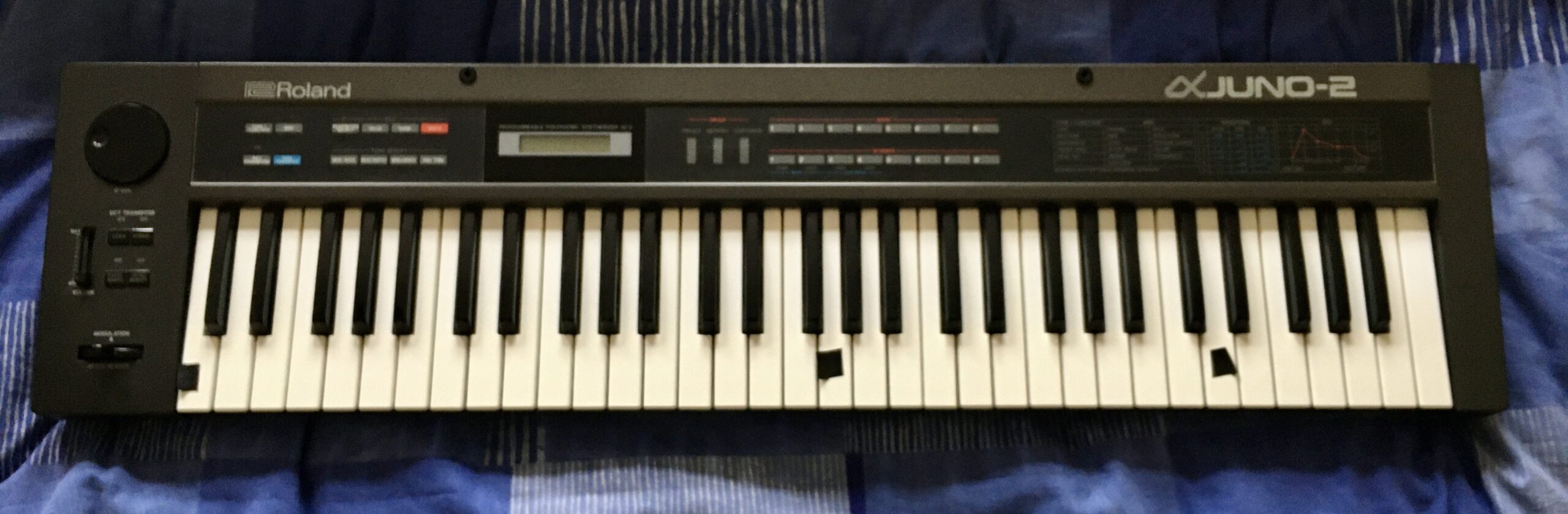
First I marked the affected keys with tape:
The bottom C key, always plays 20% louder than other keys
The top D key, always plays 100% velocity, no matter how softly played
The middle G key does not sound
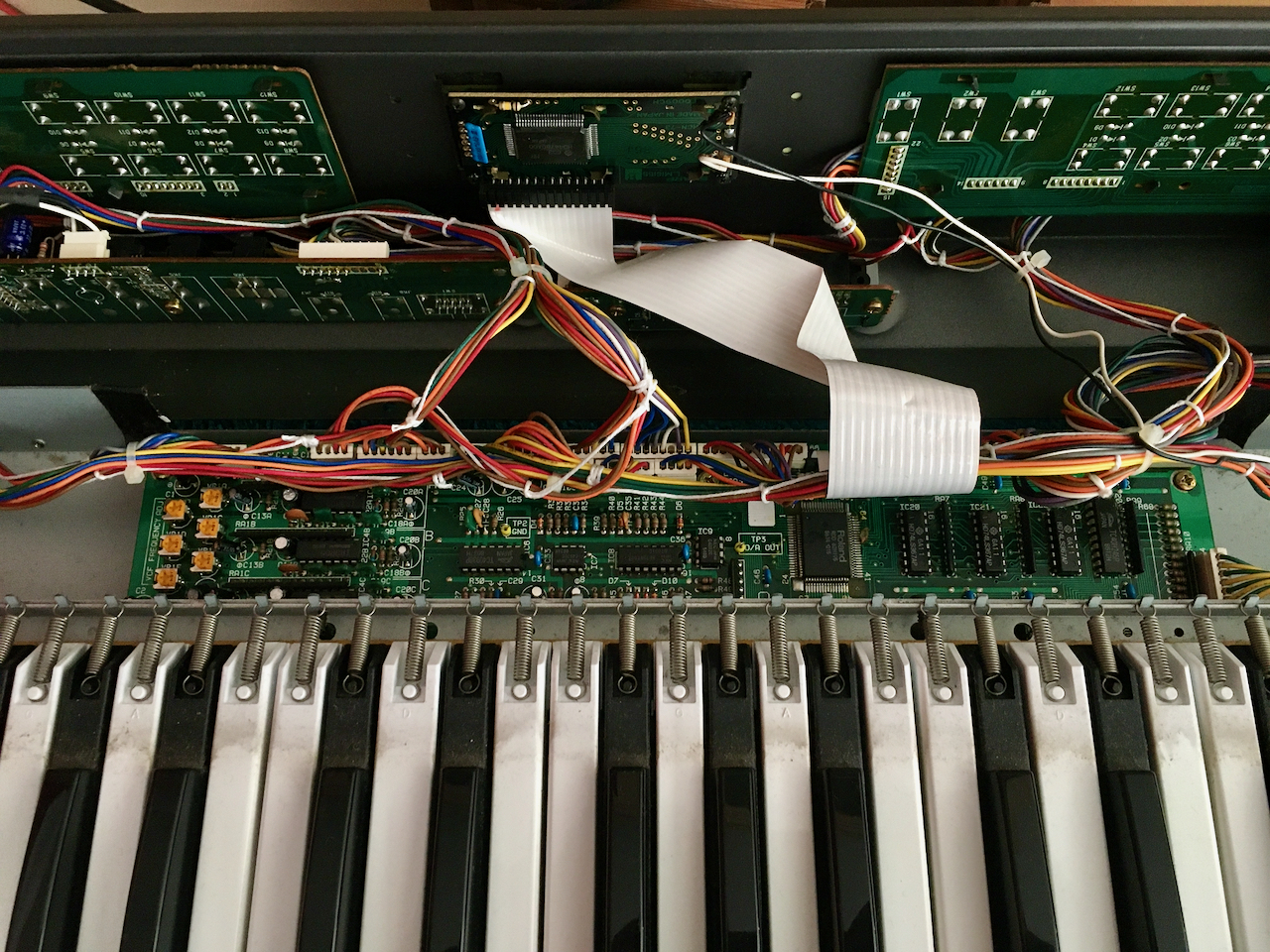
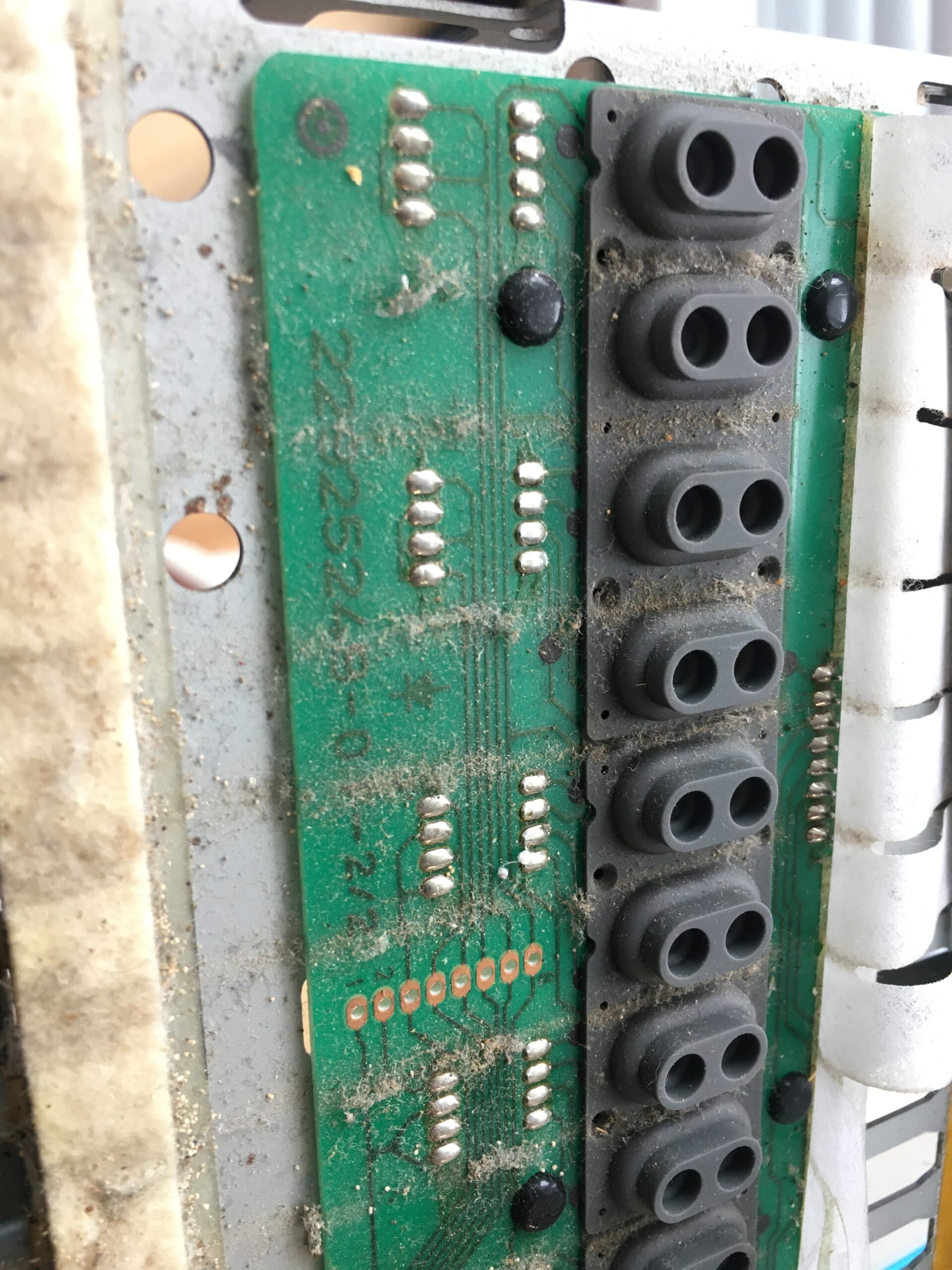
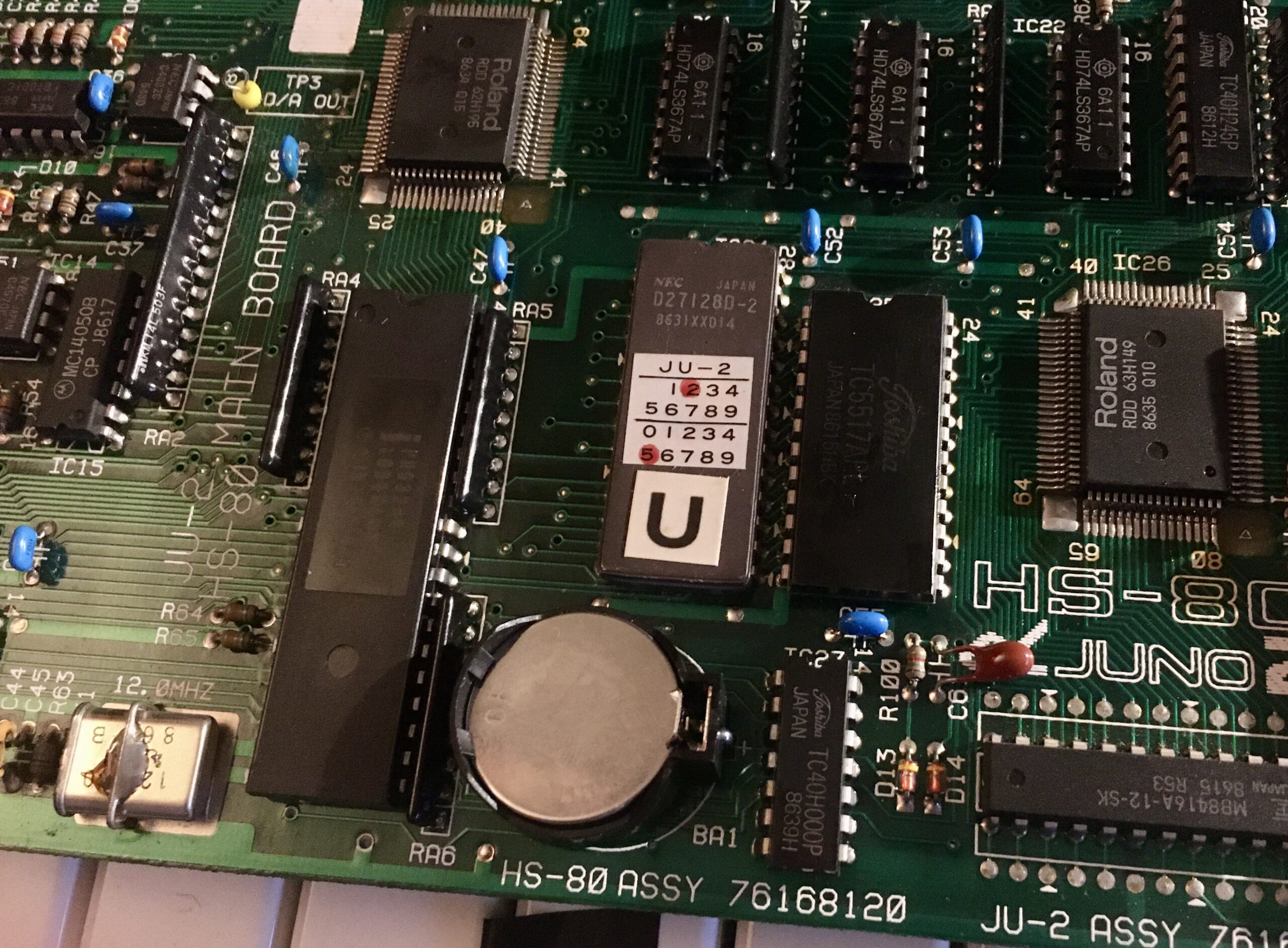
Once inside, removing the keybed is a delicate and fiddly process – since the main board is slotted into the keybed. A rough hand could easily cause damage to that board. Ever careful to take photos of all the connectors in place, to provide reference for reassembly.
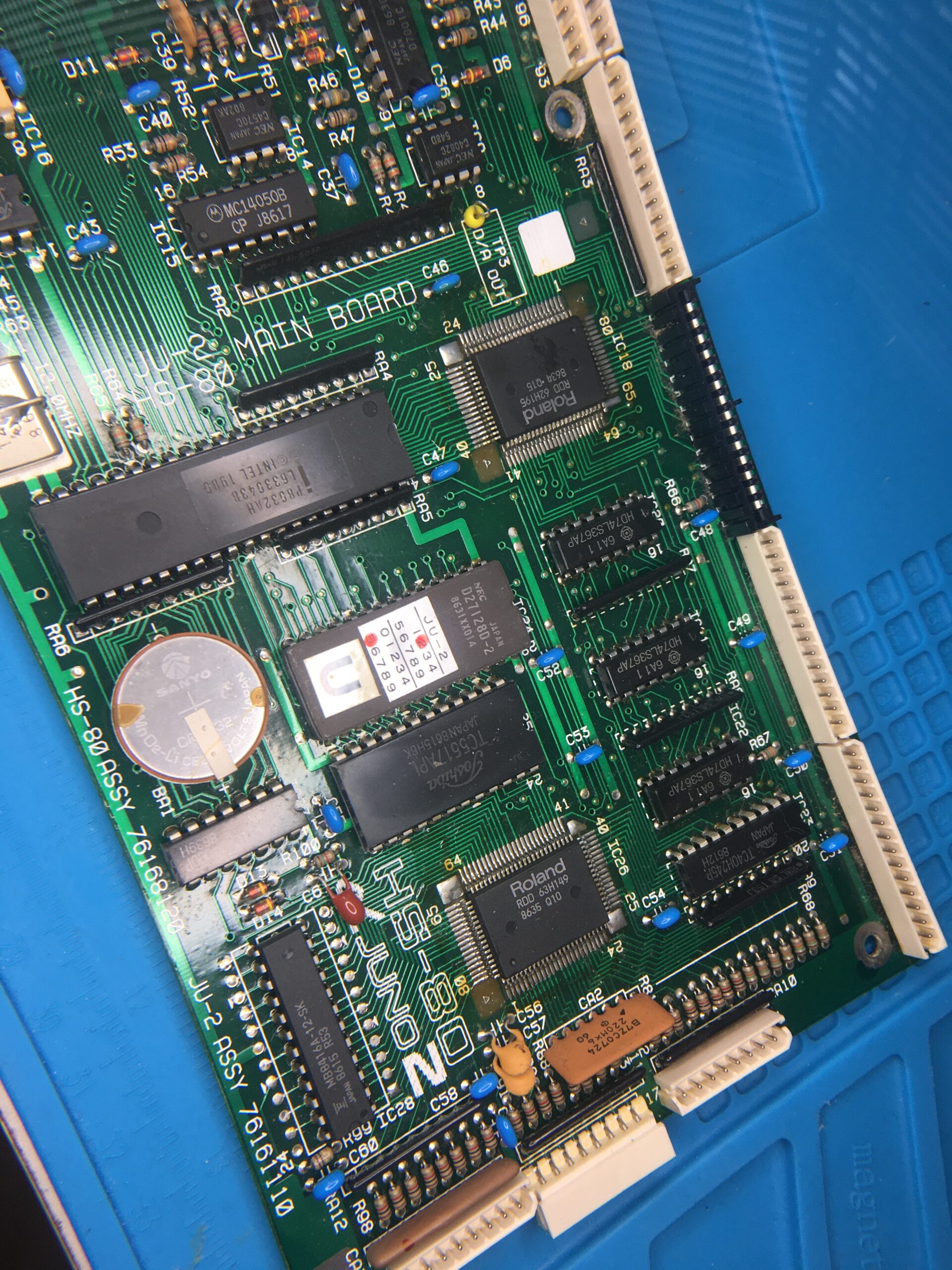
The main board sitting under, and slotted into the keybed.
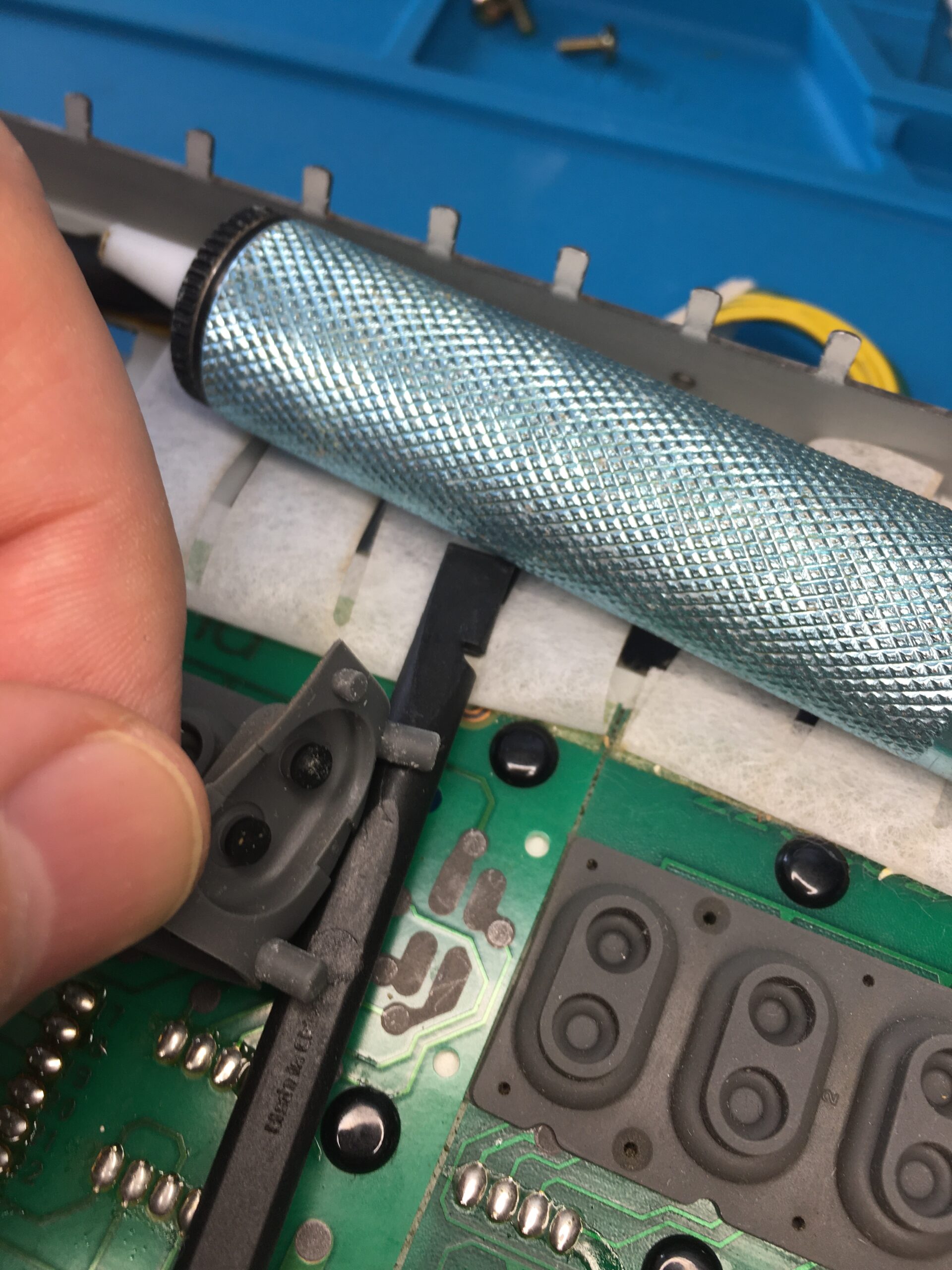
The approach I took unscrew the board from the frame and slide it out, disconnecting the many connectors. Once the main board was free, I unscrewed the keybed from outside of the case and worked on it separately, away from the delicate electronics.
To get to the contacts we need to first remove the keys to which there are 3 stages:
Remove the springs, keeping the shorter springs of the black keys separate from the larger springs for the white keys
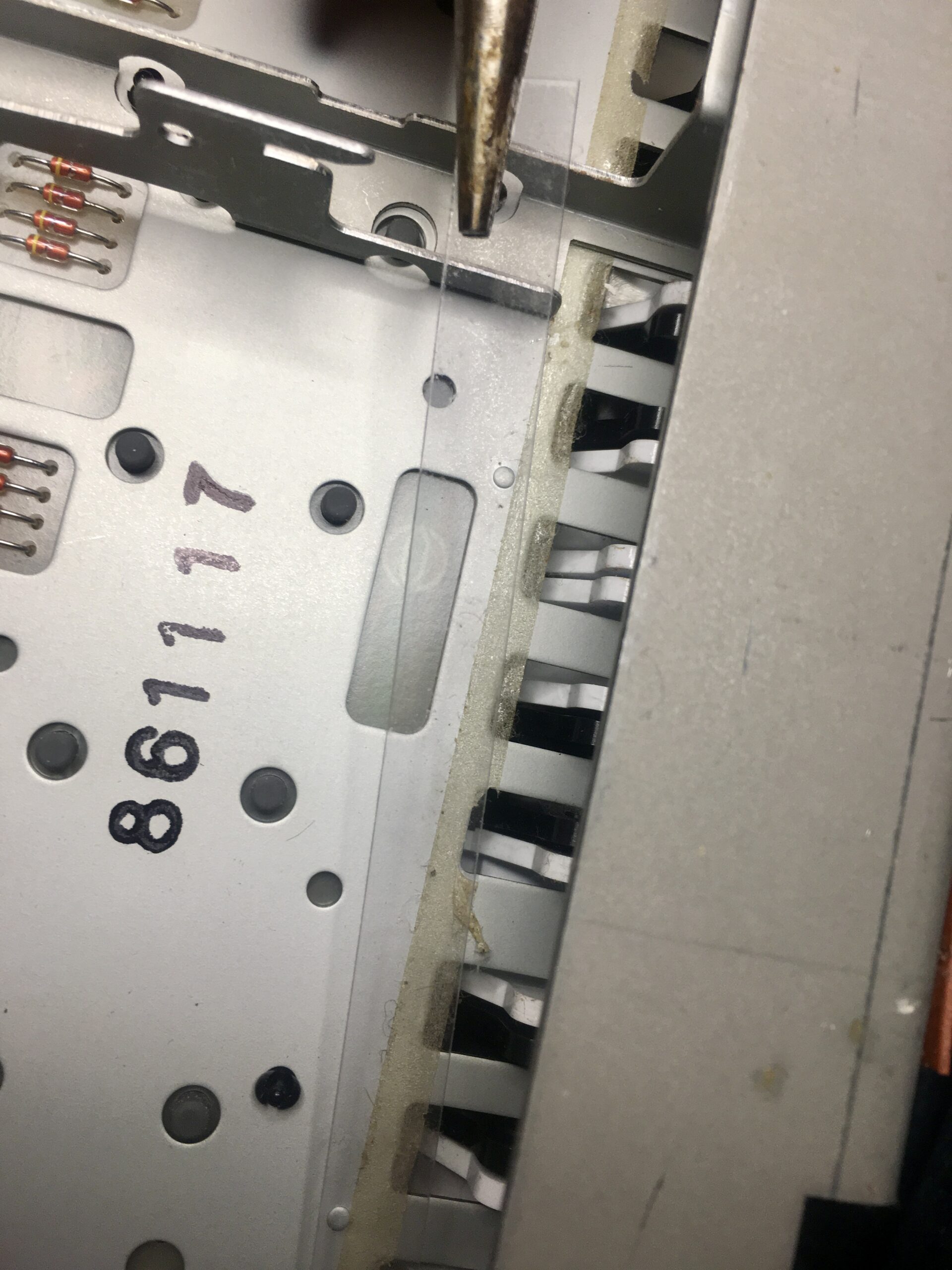
Underneath the keys, unstick and put aside the ‘Key Stoppers’ (clear plastic strips) that prevent the keys from slipping forwards.
The keys will now pull forward and can be removed
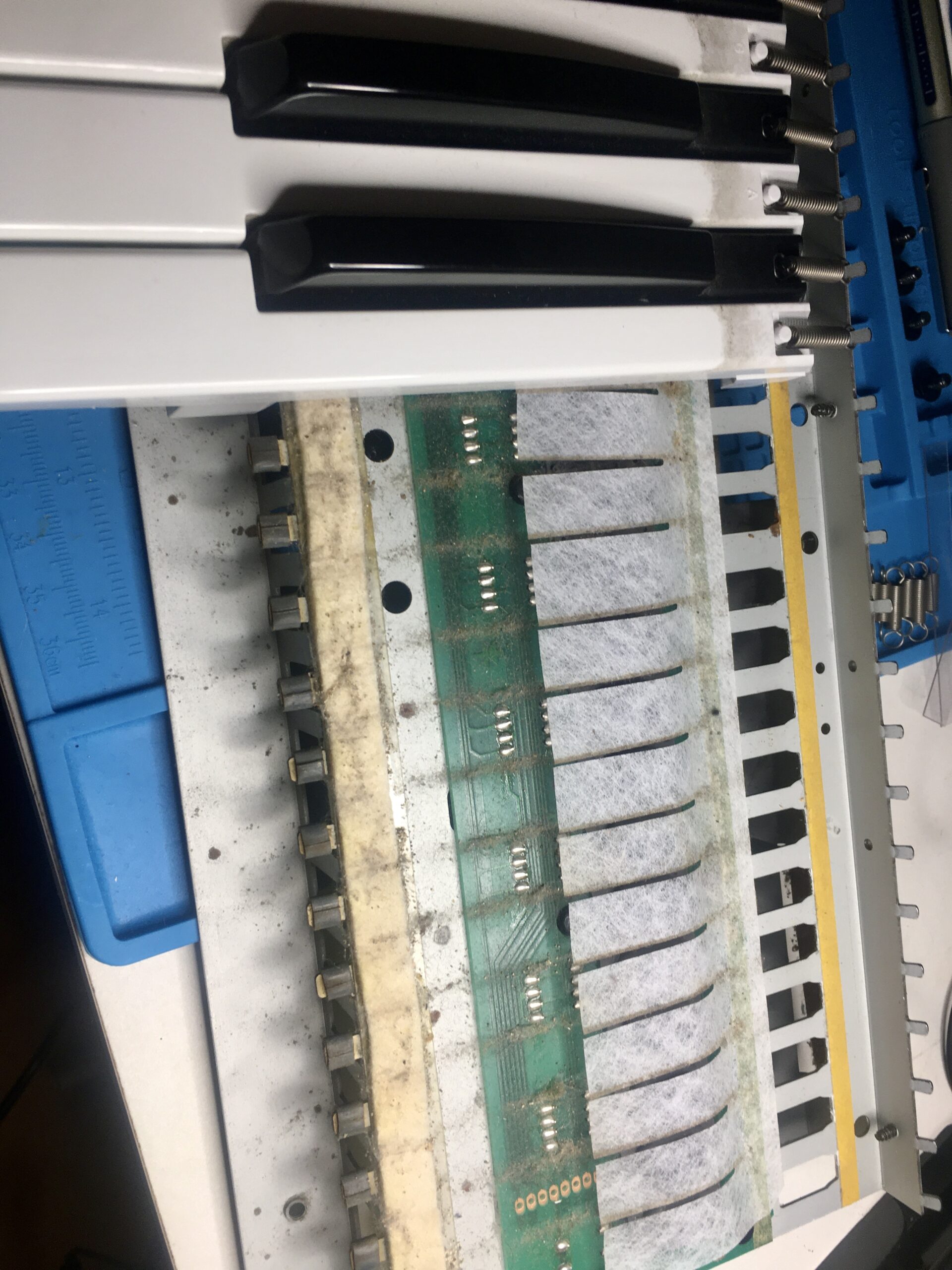
Despite a good portion of its time boxed, thirty-odd years of dirt had certainly built up. With all the keys removed, all the dirt was brushed and vacuumed away, then the graphite pads of the affected keys cleaned. Removing the glue used to stick the key stoppers was the most time consuming effort.
Key StopperDirt accumulated under the keysThirty or so years of dirt between the keysDirt on the graphite pads of affected keys
All the keys went into a bucket of mildly soapy (washing up liquid) water for gentle but thorough cleaning before reassembly.
Backlight
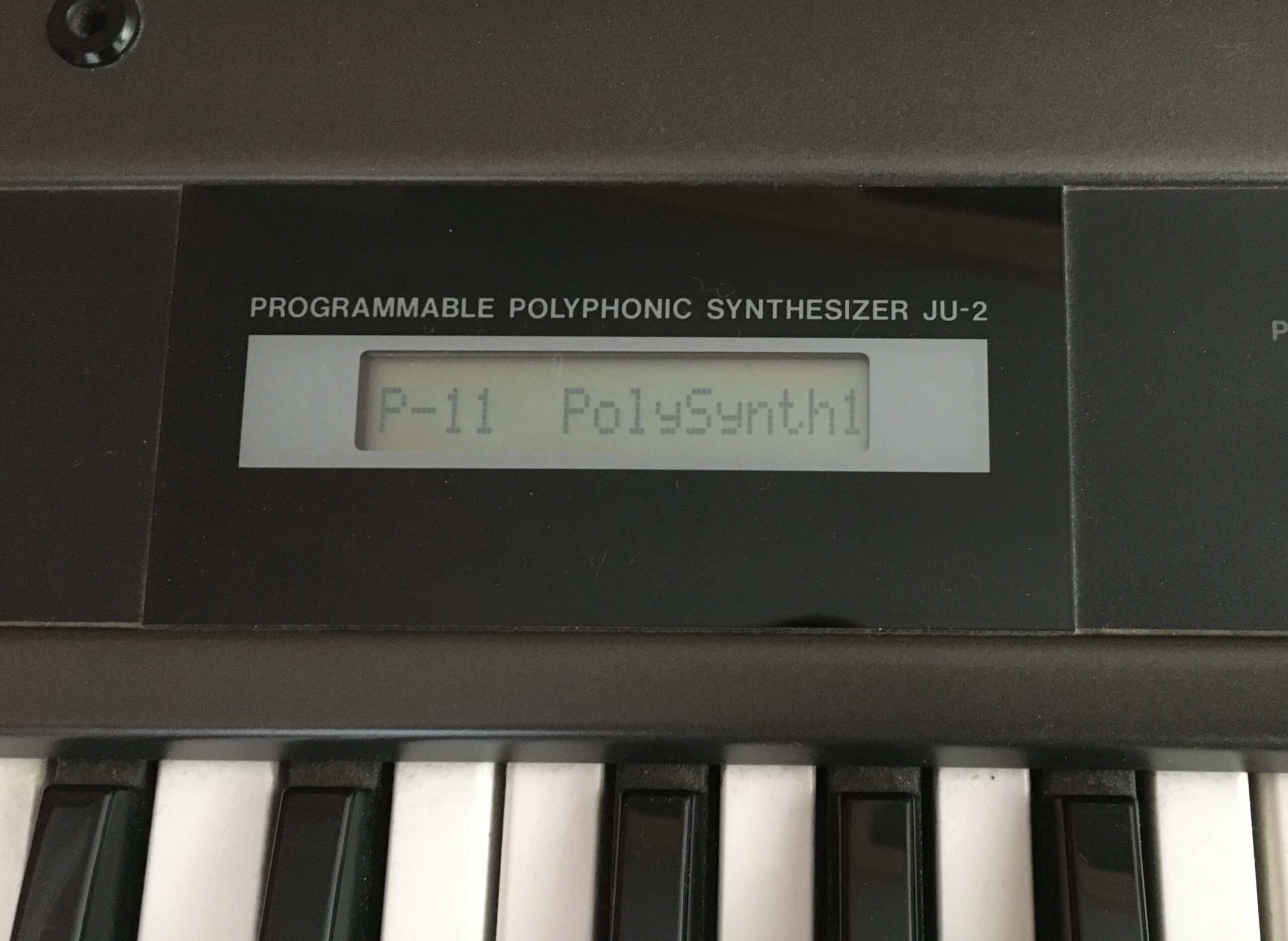
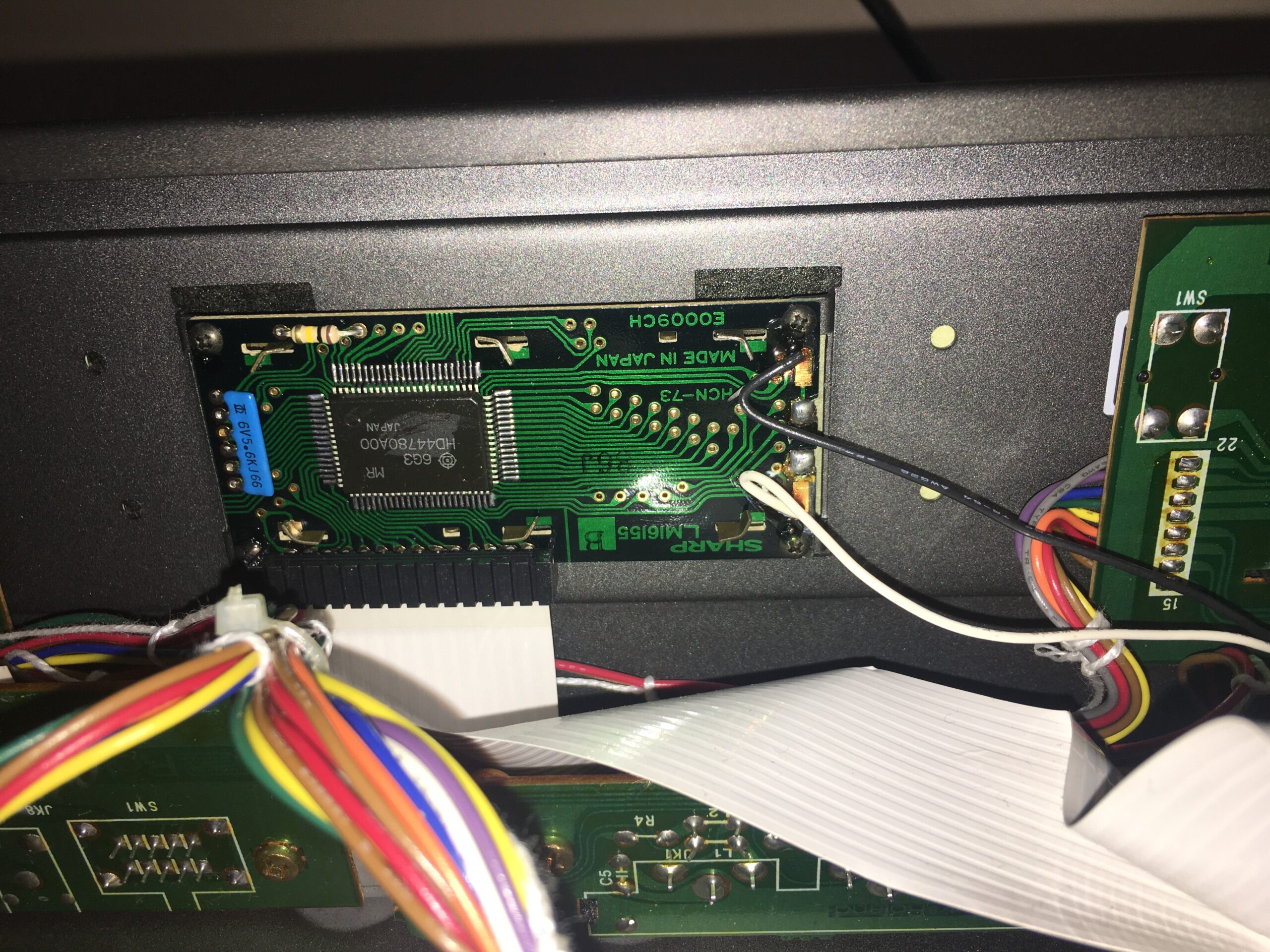
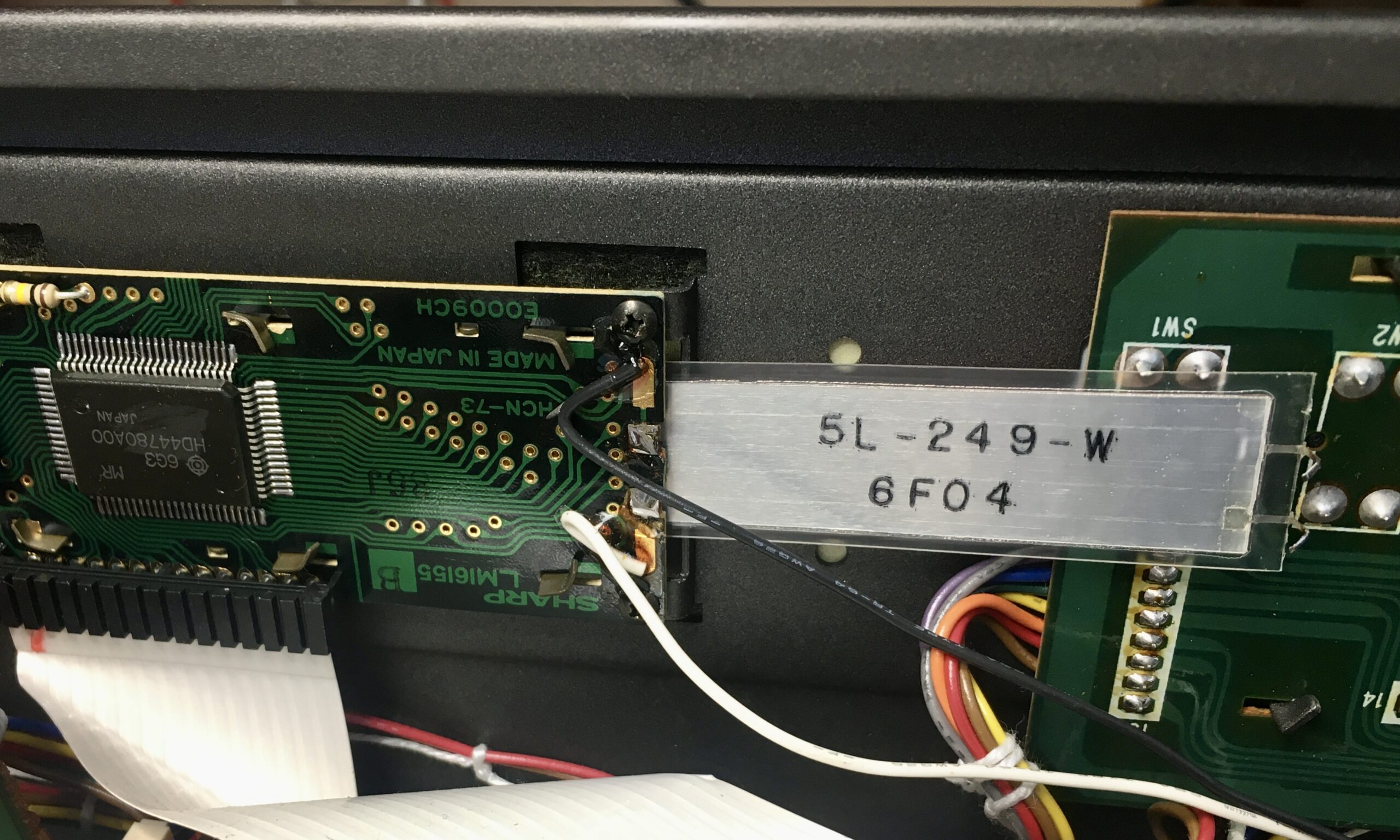
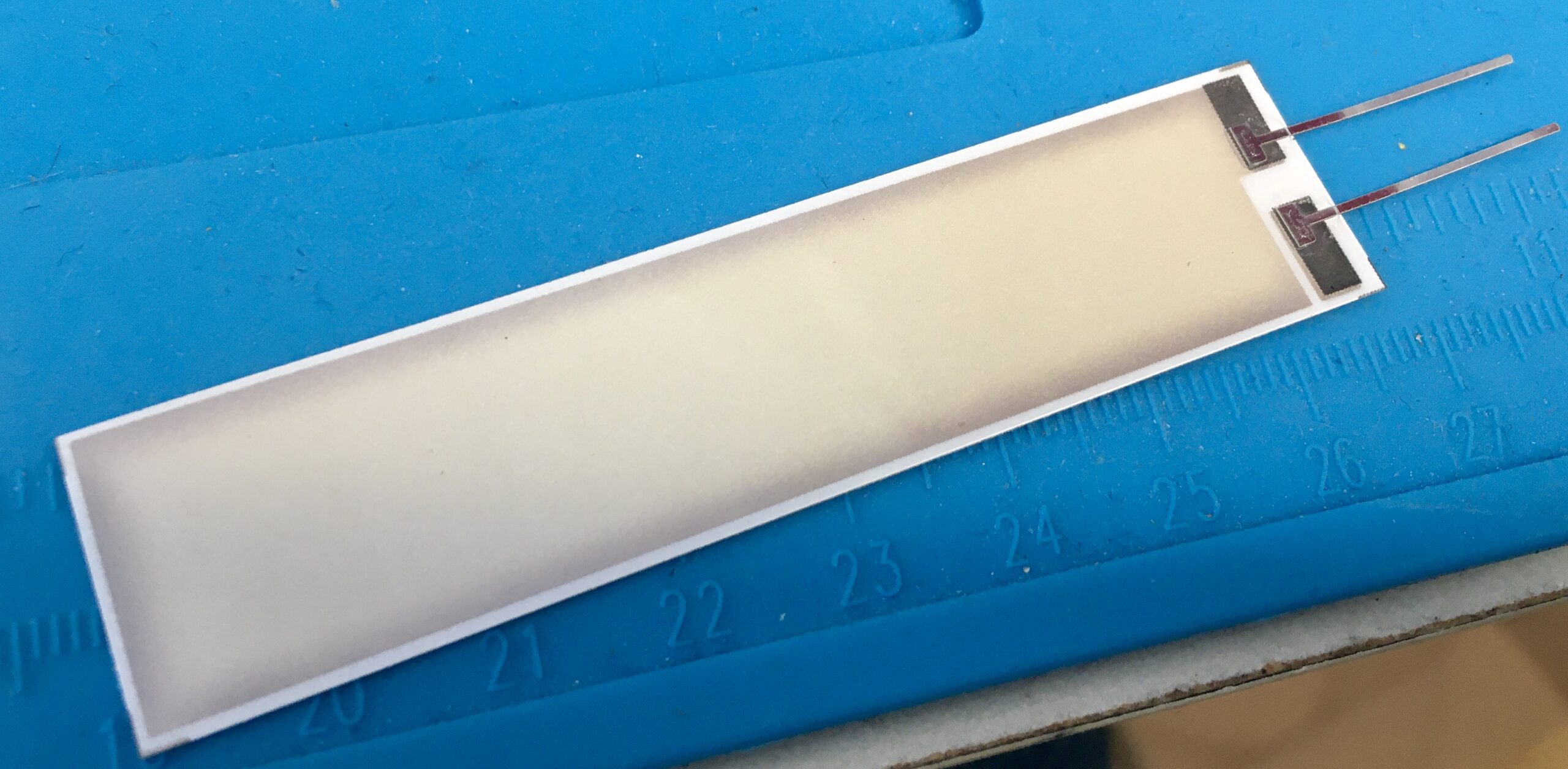
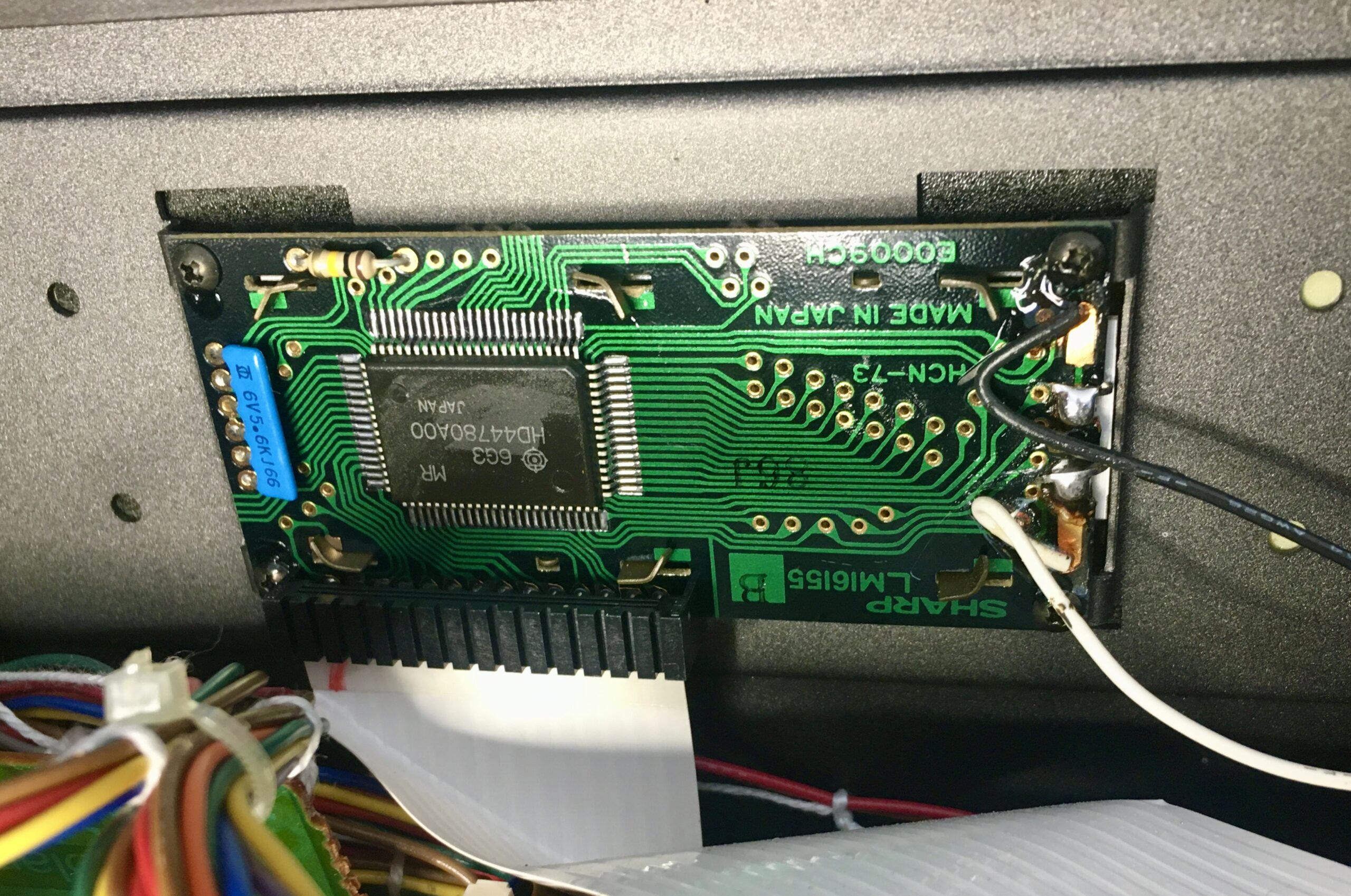
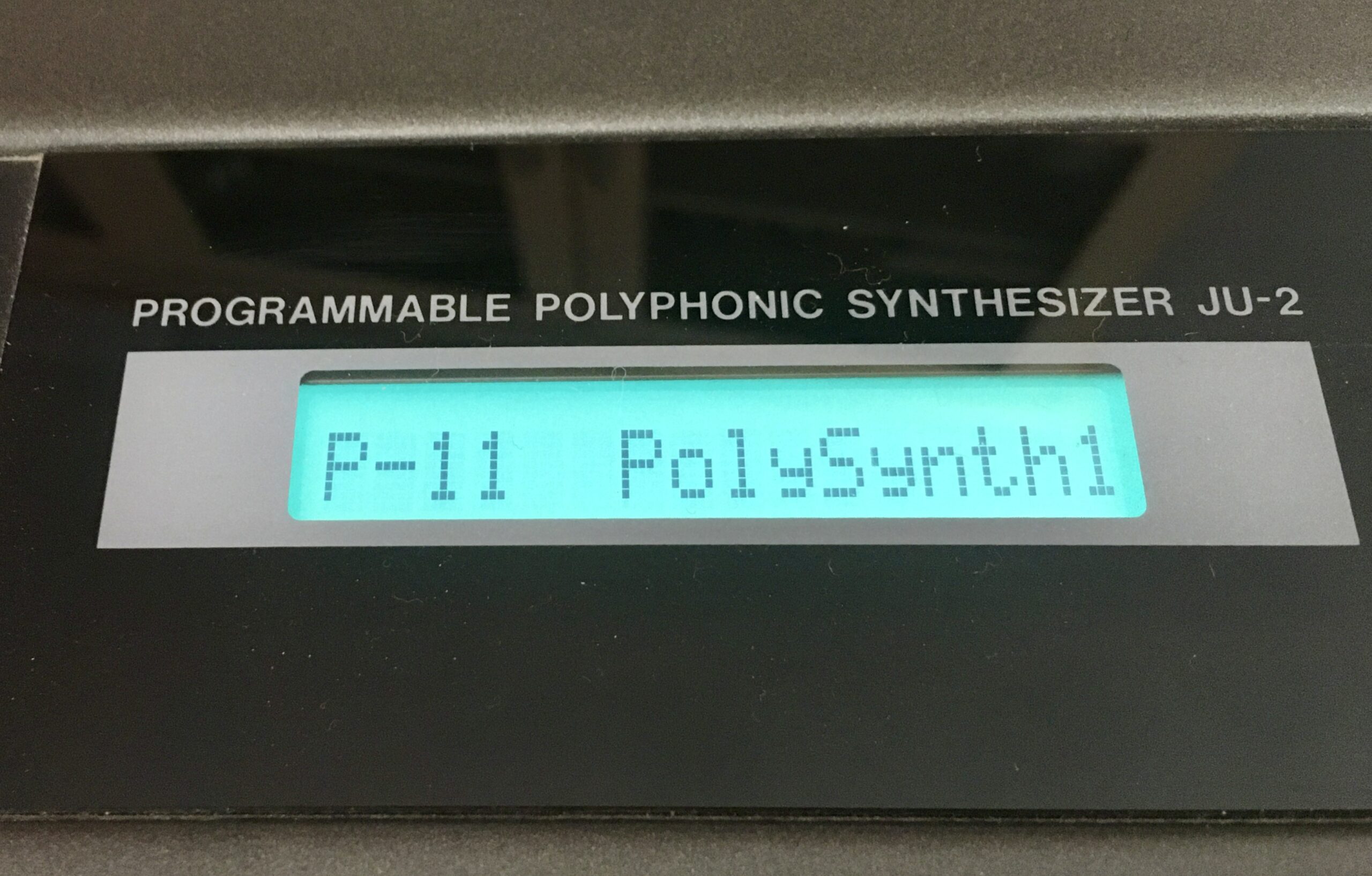
In many of the restoration videos the LCD display is replaced with an LED display. I opted for replacing the electroluminescent strip with a new one. I managed to do this simply by desoldering the two connectors and slipping the strip out – without detaching the display from the frame.
Alpha Juno 2 display, faded backlightAlpha Juno 2 – Display moduleAlpha Juno 2 – Old electroluminescent strip desoldered and removalAlpha Juno 2 – Replacement electroluminescent stripAlpha Juno 2 – Replaced electroluminescent strip – without detaching the moduleAlpha Juno 2 – Replaced electroluminescent strip – nice and bright
Battery replacement
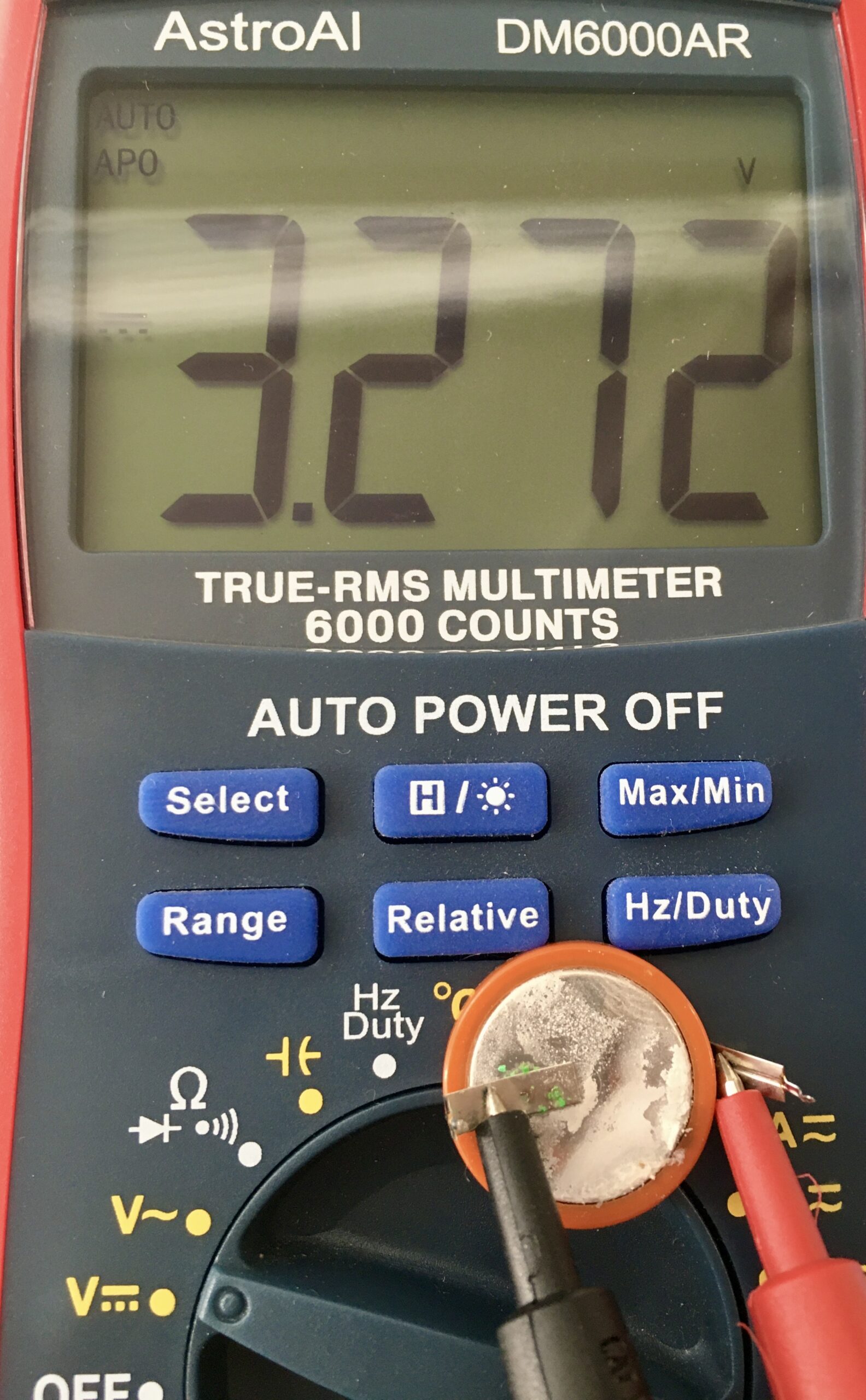
I opted to replace the soldered battery with a battery holder and standard CR3032. It was impressive that after over thirty years powering the memory for the user patches, the battery still held a good charge. Despite no liquid leakage, there was a white powdery coating building up on the battery.
Backup batteryBackup battery still with good voltage after more than 30 years. 2.8V would when problems occurred.replacement battery, in a holder rather than directly soldered
Aftertouch
The remaining issue is that I have lost aftertouch. On testing the resistance of the aftertouch strip, I can see it changing with pressure. I hadn’t tested it before the disassembly, so this might have been an issue already rather than something I introduced. I may need to change the resistance range, but I haven’t yet worked out what that should be. One for the next project.
Conclusion
Aftertouch aside, I now have a clean, working Roland Alpha Juno 2. It makes a great MIDI controller for working with any DAW. But in some ways that is a waste for what is actually a decent synth from the late 80’s
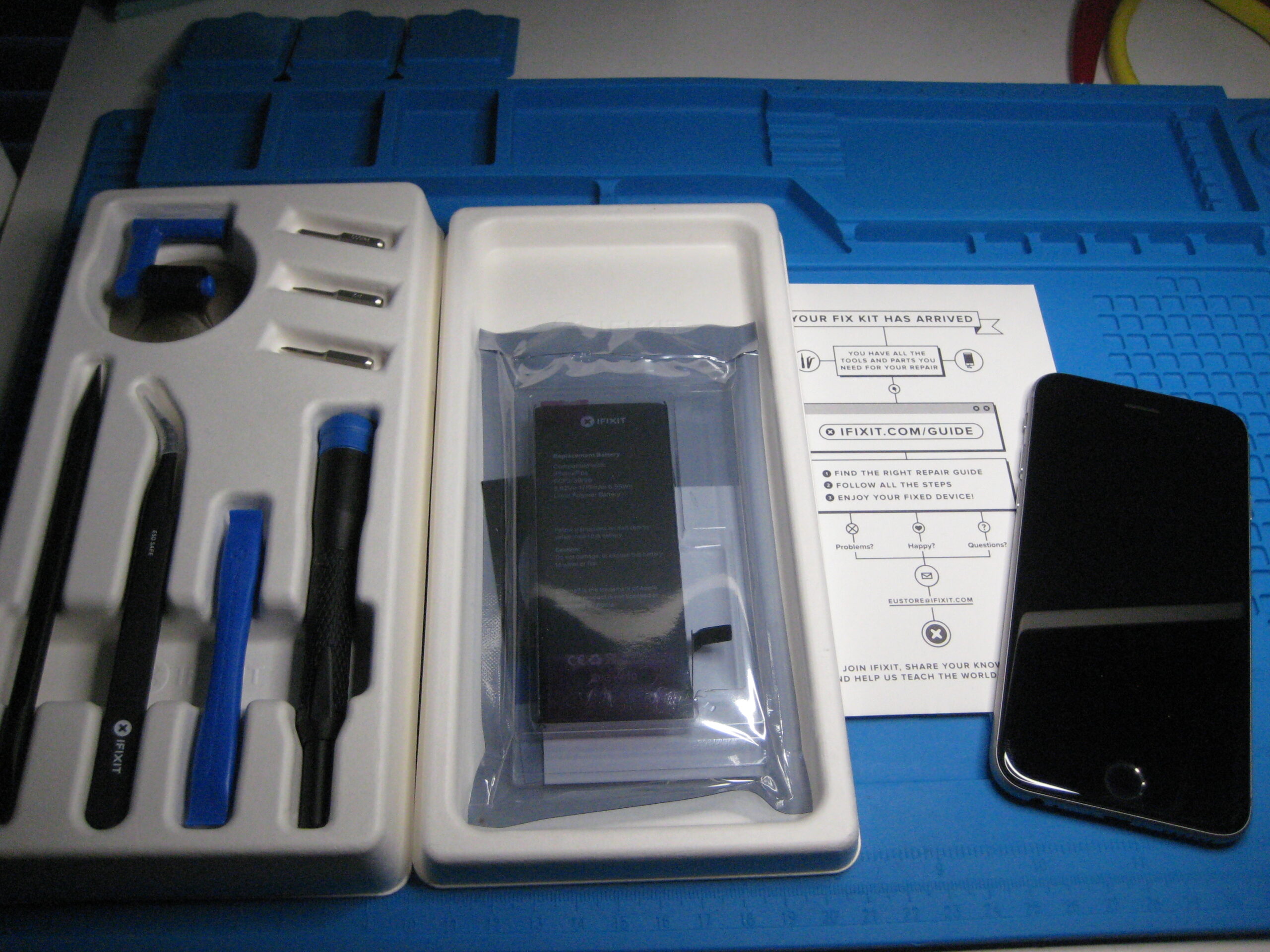
My iPhone 6s is starting to show its age, with the battery barely lasting a day, and much less if actually used, it is time for a new phone or battery. The original plan being to do this ahead of my Christmas travels. A positive Covid test put paid to the Christmas travels, the kit was already on its way.
Possibly the most important instruction, and one that I think saved me from some trouble, is to discharge the existing battery before commencing the work. I then spent considerably longer than the suggested 45 minutes making this change. Reasons for spending so long:
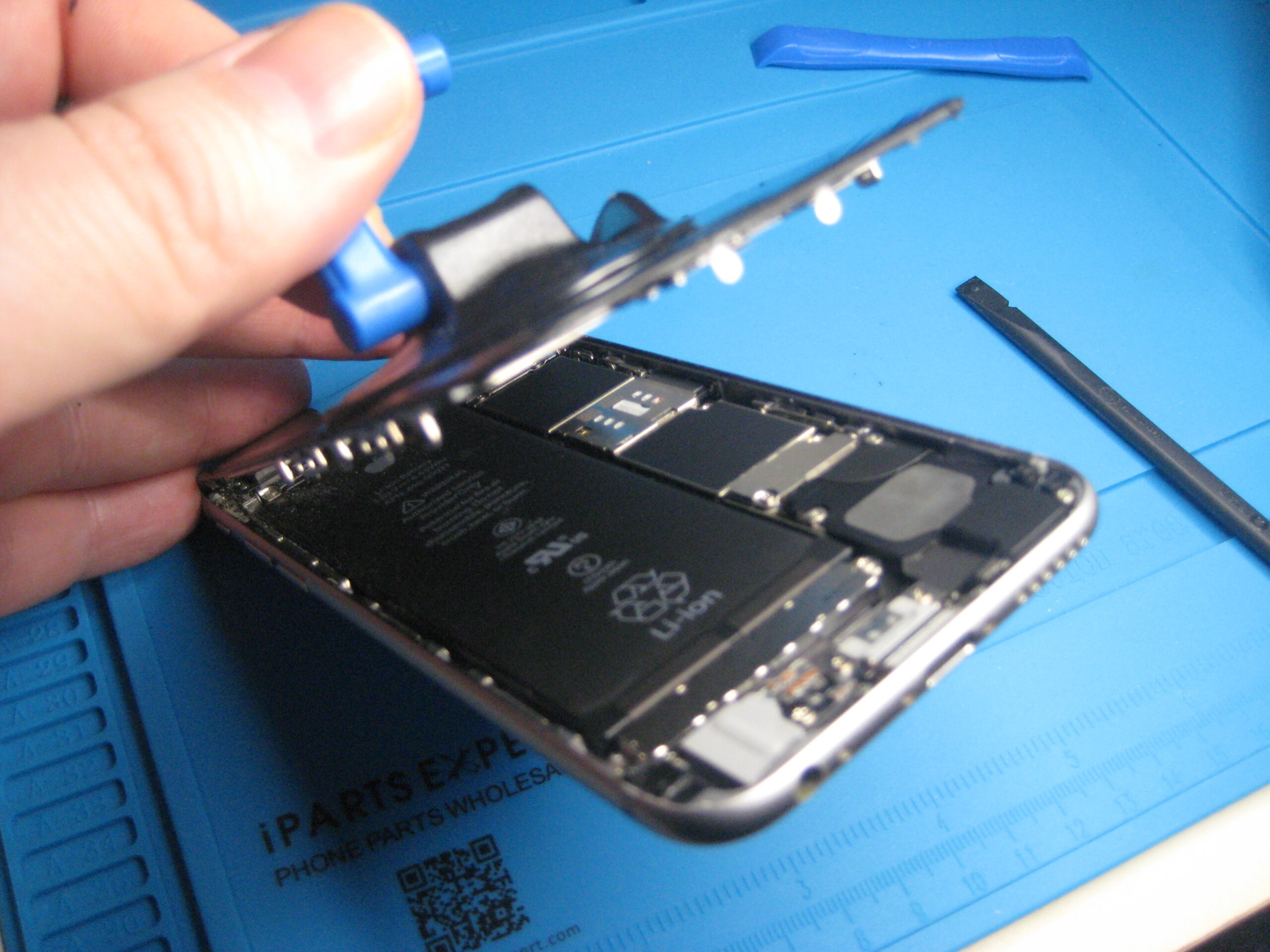
I only have this kit and no spare parts. Unlike a repair shop, if I break something I’d then have to order replacement parts and be without a phone over that period. I was particularly fearful of breaking the screen and spent an age gently warming with a hair dryer before gently releasing it from the frame.
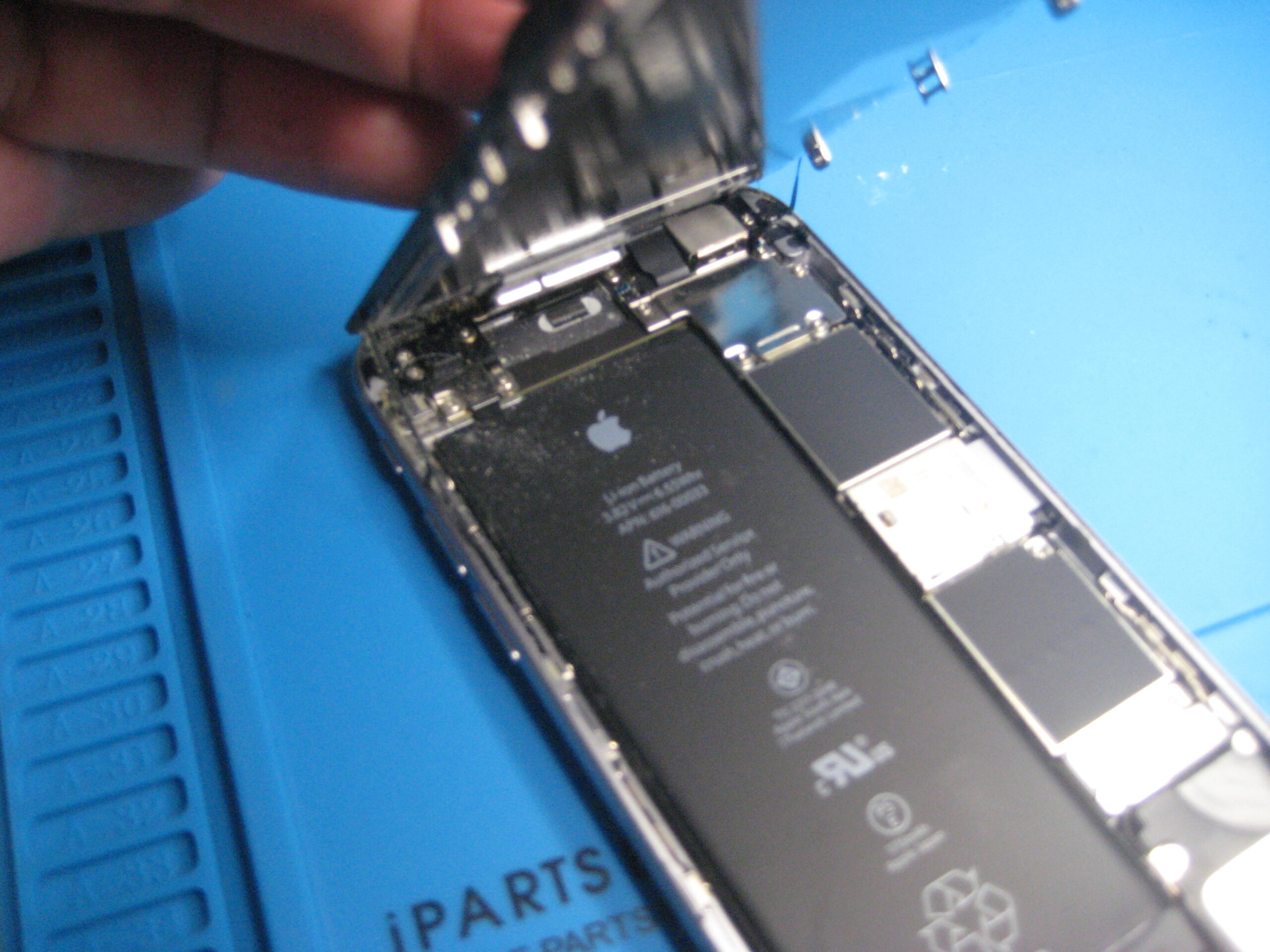
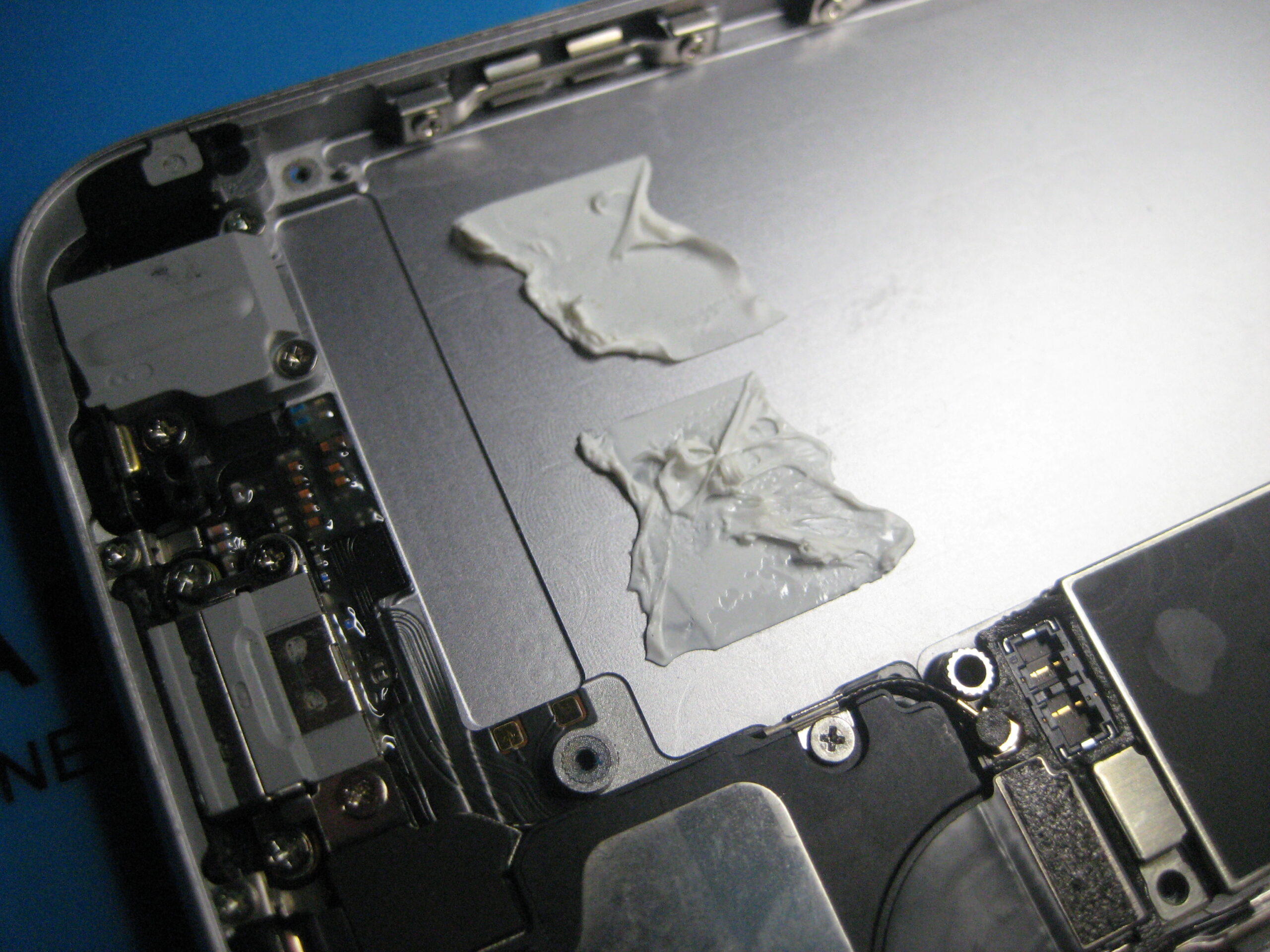
A surprising amount of dirt had found its way into the phone and needed a good clean up, along with the old glue strips from the screen on which I used a good amount of isopropyl alcohol to clear them up.
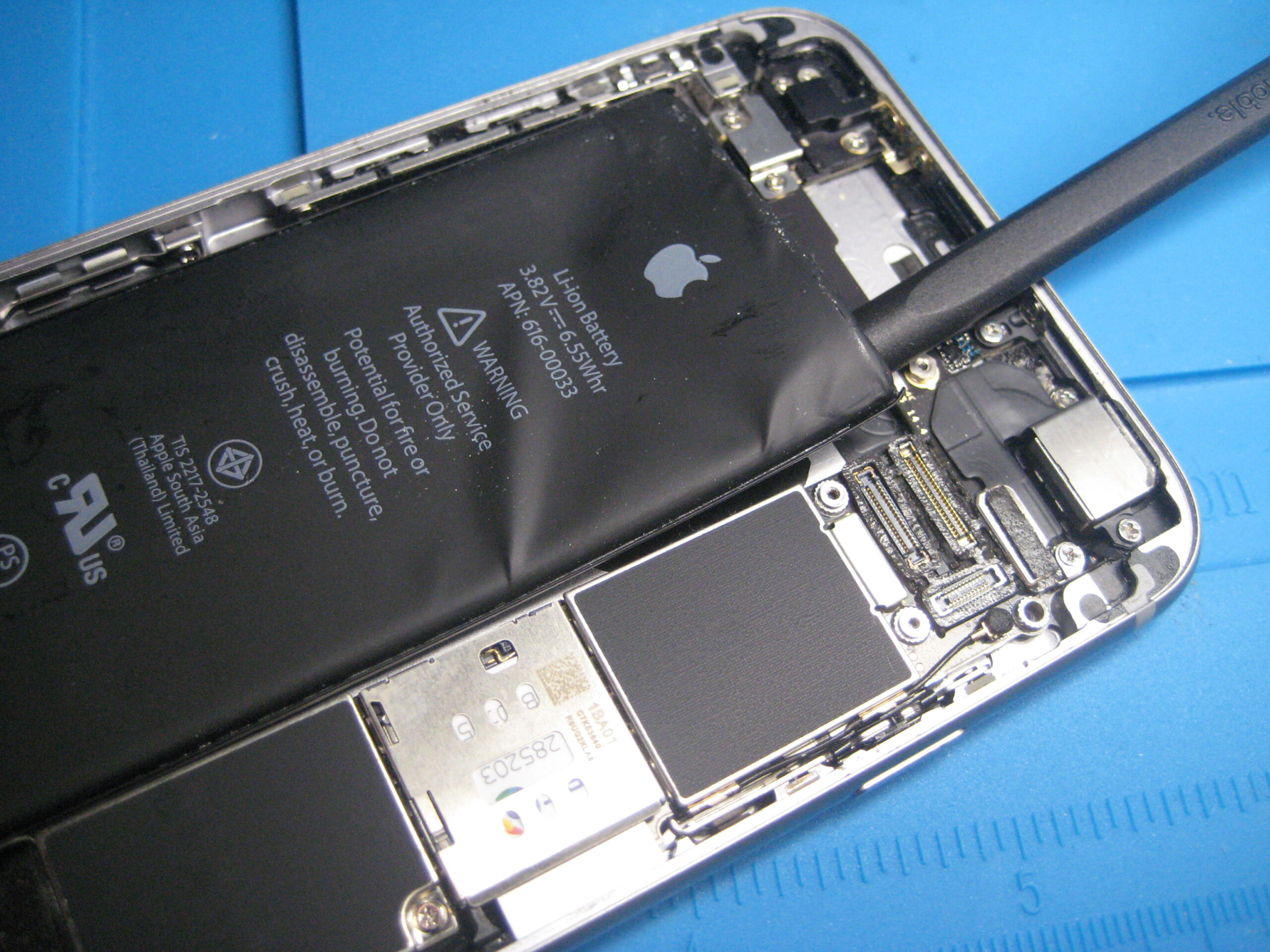
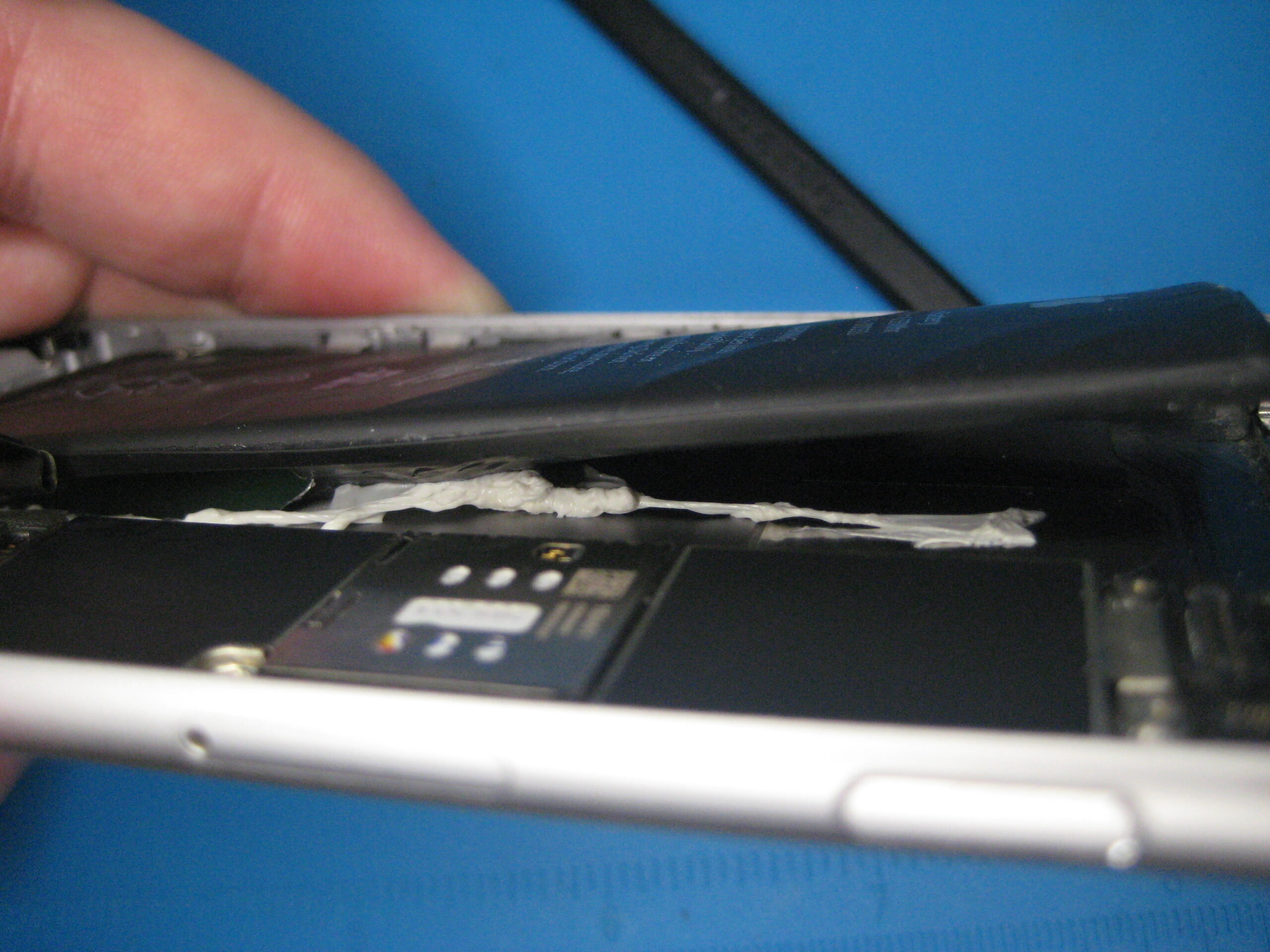
The old battery peel-back strips both immediately tore, leaving the battery firmly fixed in place
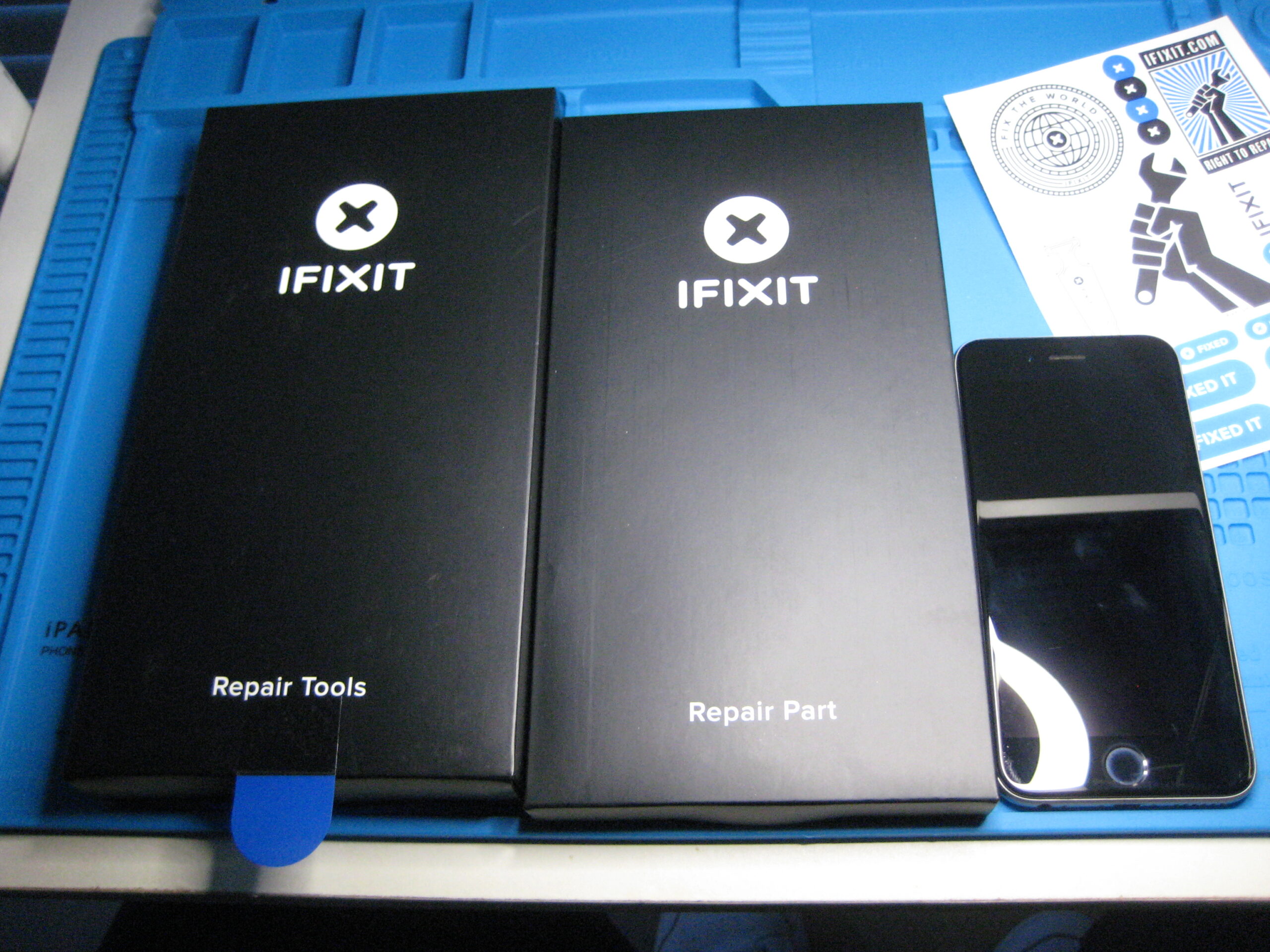
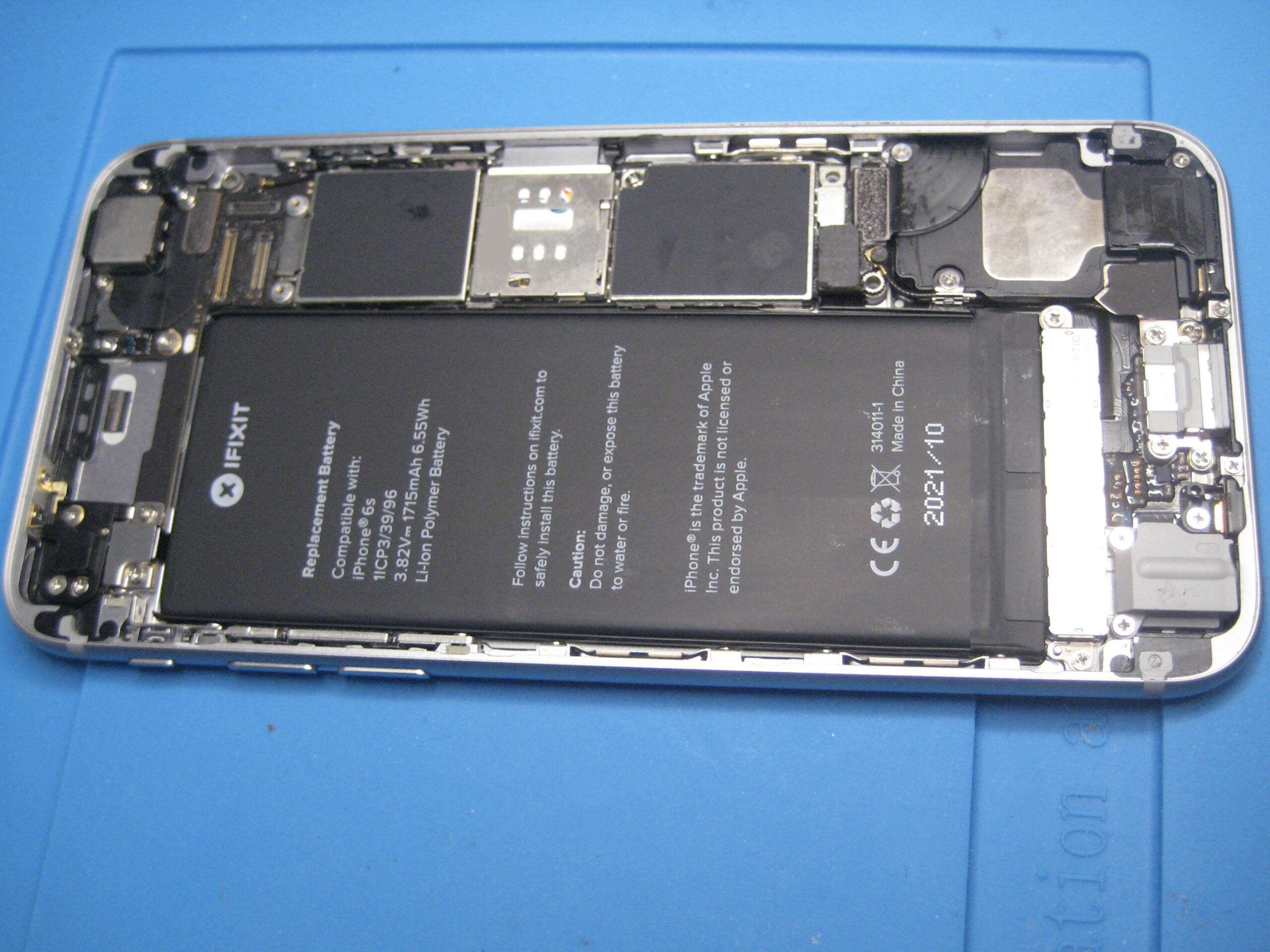
iFixit iPhone6s Battery replacement kitiFixit iPhone6s Battery replacement kit – openiPhone 6s, screen openingiPhone 6s, screen opening, and muck insideTrying to prise up the battery after the release strips have snappedOh no, battery pierced and still firmly stuckThe sticky culpritsAll clean and new battery installed
I realised I had pierced the battery when it emitted a sweet pear-drop kind of smell. Fortunately it had little or no charge, and I think only the outer skin was pierced. Moving more quickly I finally pulled it out, sealed the tear in the battery skin with electrical tape, and placed it in an unsealed tin box for a number of days. Later taking it to a recycling facility and advising that the skin had been pierced as it was handed over.
The new battery lasts well and gives the phone a new lease of life.
In preparation for the repair work expected on the SH-101 in particular, I anticipate needing to see the output waveform. Only considering audio signals, so there is no need to sample high frequencies.
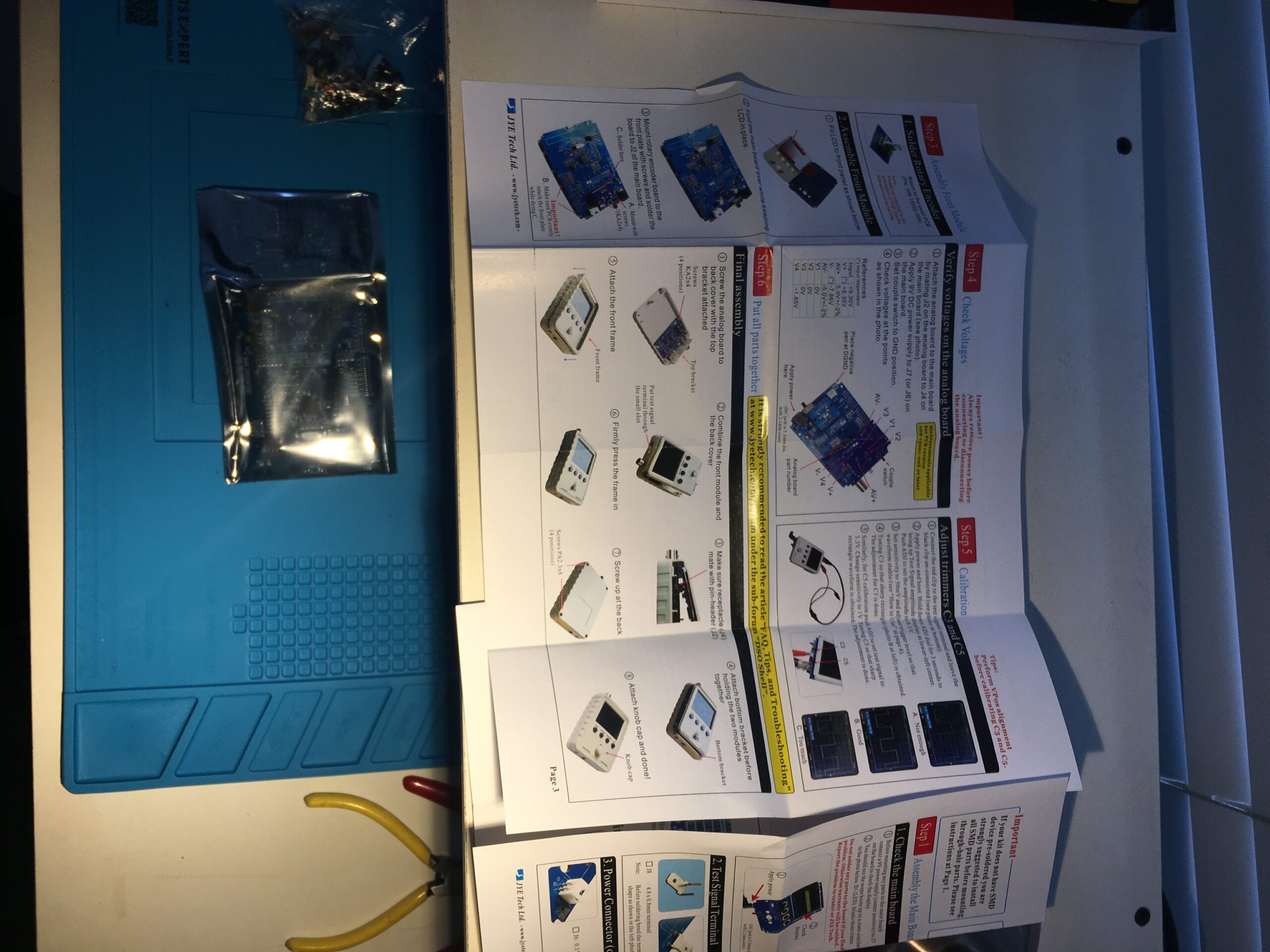
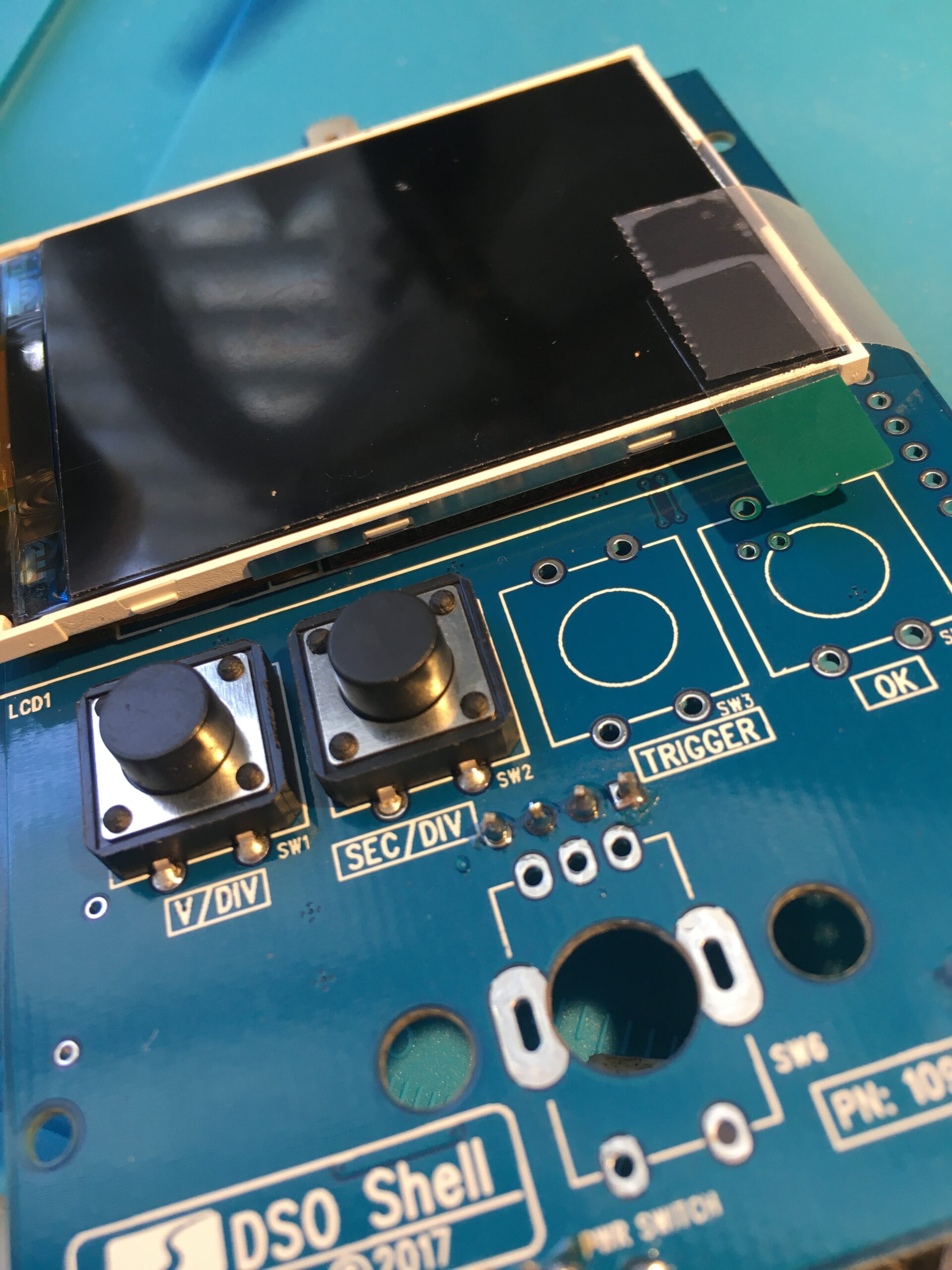
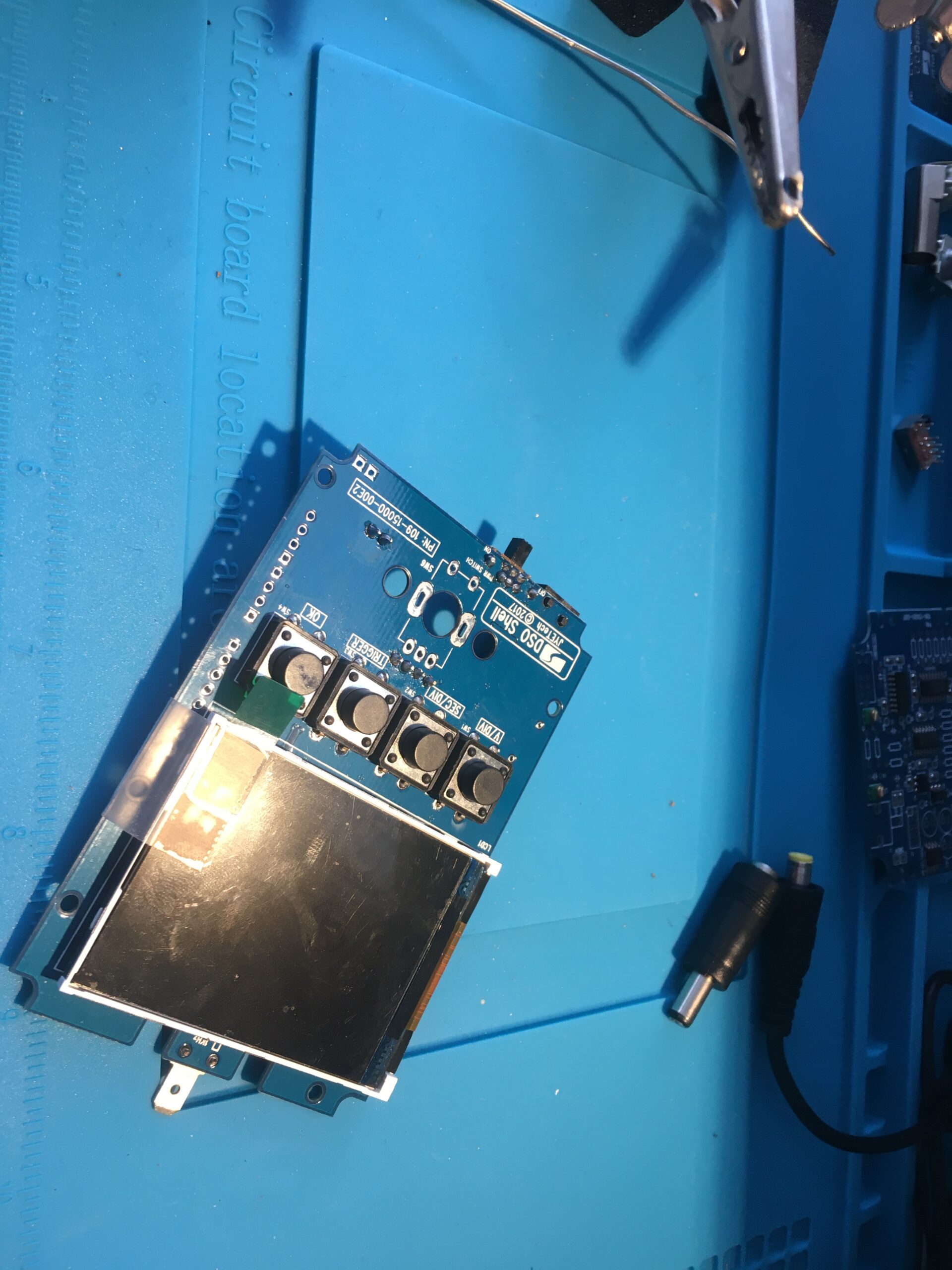
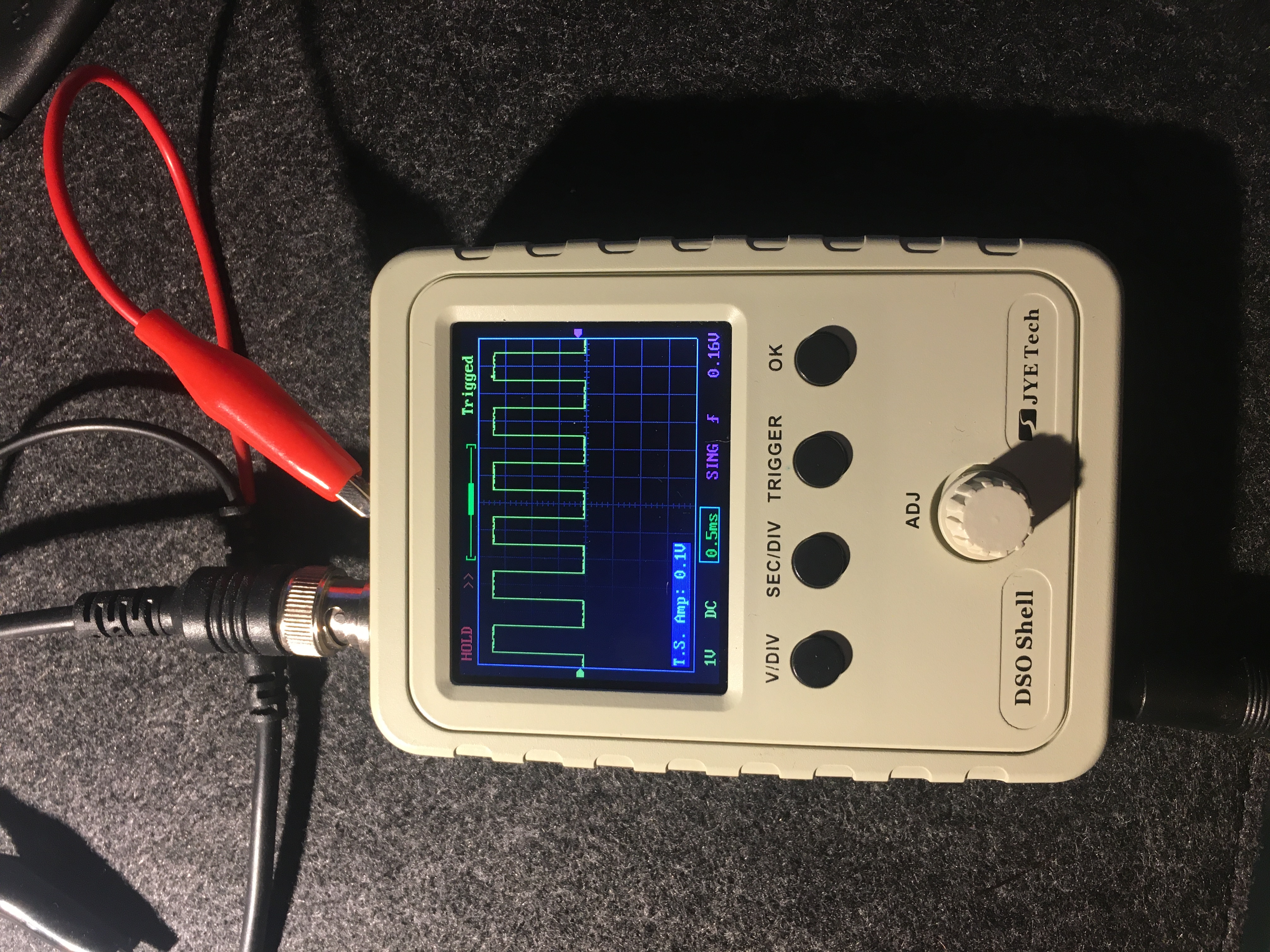
The JYETech DSO Shell kit with sample rates up to 200KHz should do the job, and was a decent inexpensive project to get back into the swing of my soldering skills. I did find my old 15 watt soldering iron inadequate for soldering the large BNC connector, and so got hold of a 25 watt Antex (good to see the same brand going strong) which did the job.
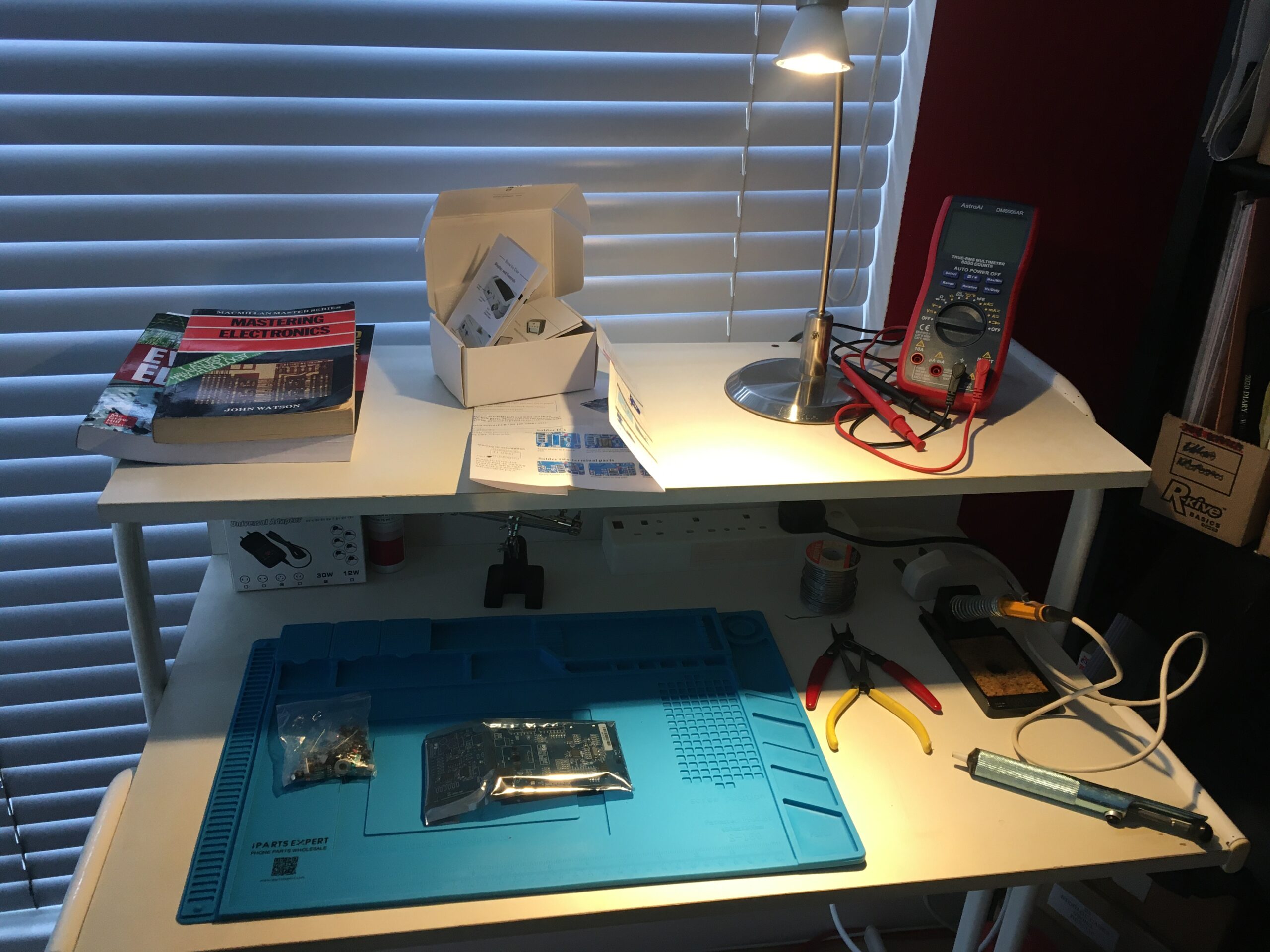
Organising at least a basic workbench for the electronics work will make things easier, allowing kit to be set up over a number of days without competing with other desk space. In my case, it was time to pull out of storage my old MFI computer desk (from around 1989) which originally housed my Atari 520 STFM, its SM124 monitor and Epson LX80 (extremely loud) dot matrix printer. With those boxed up it is time to pull together some basic tools for my upcoming electronics work. That will include:
Restore Roland SH-101 – Boxed for 30 years, has a severe fault possibly with the oscillator IC
Restore Roland Alpha Juno 2 – Some keys not working, and faded back-light
Restore my old amplifiers, speakers and bring back into operation – possibly re-housed
So the key tools are a mix of old and new:
Soldering Iron 15W – though subsequently replaced with a 25W
De-solder suction tool
Soldering repair mat
Helping hands
Long nose pliers
Snips
A digital multimeter
One tool missing that I feel I need for the SH-101 repair is some kind of oscilloscope. To get us up and running, I have opted to build a kit – The JYTech DSO Shell.
My professional focus is now firmly in a world of Product Ownership having joined a company building a RegTech platform. Outside of career interests, it it time to return to some older hobbies.
I have a growing interest in retro-computing, having grown up with most of the machines common in the retro-computing space. Indeed I still own my old ZX Spectrum, Atari 512 STFM and Mac LC. I definitely want to give the Mac LC some care and attention. I find inspiration for this from YouTube channels:
I dabbled in electronics through my youth… typically projects alongside my computing and musical interests. My main effort was in building amplifier kits and speakers. Having been in storage for a couple of decades, they’ll need a good servicing if they are ever to be used again.
Where I can make simple repairs, I can and will. I have a couple of old synthesisers which need work. Again, I find great inspiration via a number of YouTube channels:
So, I finally uninstalled Flash Player on 31 December 2020 as it ceases to be supported by adobe.
Adobe Flash Player was removed from your system.
Consequently a number of the older articles on this blog, if they didn’t already, will cease to make sense. I started the blog back in 2006 when I had decided to freelance and focus my programming skills on flash.
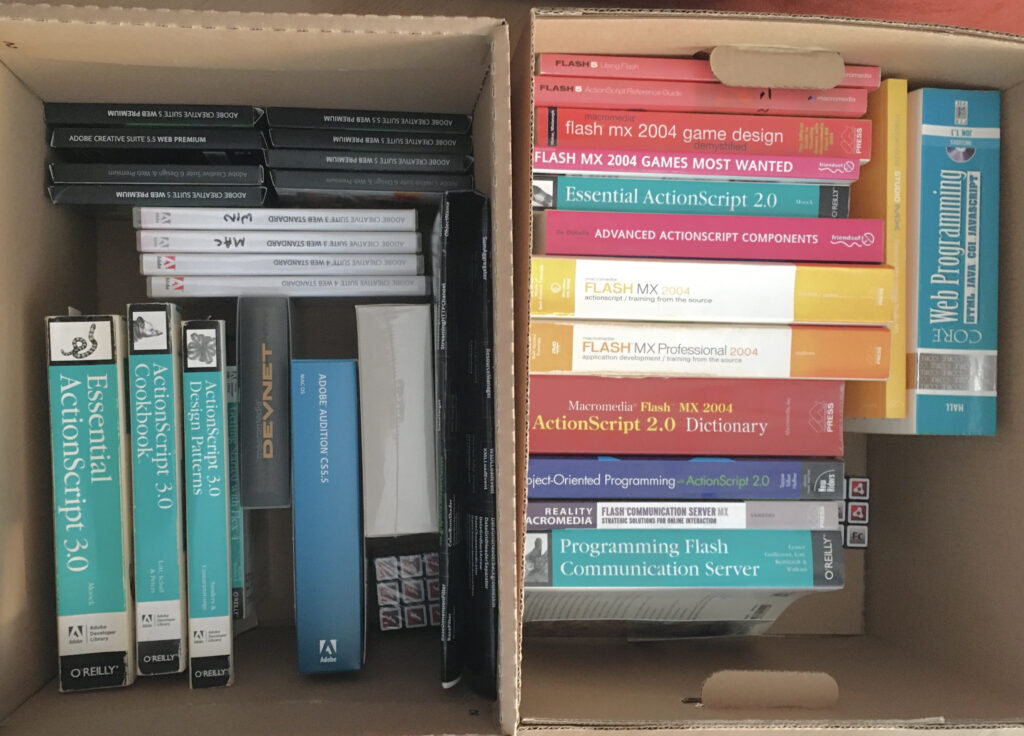
I now have couple of archive boxes books and DVDs of redundant material.
The first time I encountered Flash was around 1996/1997. I was at the time developing CD-ROM applications using Macromedia Director. The web was starting to take off, although outside of corporate networks everybody’s access was via a dialup modem. Very slow. Browsers were pretty crude and inconsistent in behaviour for all but the most basic interactions.
We had a visit from someone at Macromedia that excited our manager at the time, but I didn’t see the potential in Flash. Yes, it used vectors. Yes, it had animation. But there was little or no interactive capability – no programmatic language – Director was so far ahead.
My career moved to project management, and Flash did make it’s way into our studio, primarily in the realm of designers – interactions remained extremely limited but Flash had two key valuable properties that I think gave it a solid foundation: It looked and behaved the same, no matter what browser or platform, and that being vector based, it was extremely bandwidth efficient compared to anything that could be built in Director (or Authorware)
Next step in my career was server side, and xhtml/javascript. Flash added a further string to its bow by enabling video streaming – mixed with vector animation and more sophisticated interactions – again maintaining consistent appearance across platforms and browsers while the browser wars raged.
As the dot com boom went bust, I went freelance, but having to decide where to focus. I spent time learning Java and Flash, and eventually Flash won my attention – I have always enjoyed working on ‘creative’ projects along with designer and other creative types.
I enjoyed programming ActionScript 2, but Flash felt somewhat buggy at the time. The ActionScript components were good in principle, but again, buggy – so much time spent developing workarounds against a tight deadline.
I really enjoyed programming ActionScript 3 – It was far more solid. capable and better structured, Flex provided a solid framework that did not suffer the problems of the earlier UI component framework.
Flash with Flex remained great at: * Being consistent across platforms * Providing a video playback platform * Proving an animation platform and intuitive ways of tying interactions together with ActionScript * Enabling designers and developers to work together on really interesting creative projects
In 2010, I was really disappointed by Steve Jobs thoughts on Flash, but more disapointed by Shantanu Narayen’s response. It didn’t feel like there was a technical initiative coming to solve the issues raised by mobile. On reflection, Steve Jobs was right. It is true that performance was poor on mobile devices – certainly on my HTC Desire. And using flash to attempt to emulate the new touch controls, even the scroll inertia was hugely wasteful of cpu cycles compared utilising controls already built into the mobile systems.
I quite liked AIR, and used it with Flex on a few projects. It worked well, although it exposed the perennial issue of the UI controls not necessarily behaving as a user would expect. Yes it continued to provide consistency across platforms, but when we move into an application space, compliance with the expectations of the host system becomes more paramount than ensuring the application looks pixel-for-pixel the same across platforms. Attempting to adapt (testing for OS to decide where to position things like dialog button defaults and window controls) became tedious. The end result – spend the extra effort, or release an inconsistent product.
Most of my discussion is from a programmatic / application point of view. For all it’s faults Flash Platform created a great community of designers and developers and a few who could wear both hats, working to build some wonderful projects while the browsers were somewhat chaotic.
Having seen the full life cycle of a product makes me feel old. From its humble beginnings, to massive dominance, to falling back as other technology caught up and surpassed. I still have a sealed copy of Flash Builder 4. I wonder what I’m going to do with that.
Towards the end of 2019 as the brain switched back on to matters of career. I focussed more on Scrum and agile in general, with the PSM-I to at least reduce the barrier to entry with an Agile employer.
bootlacehankymask
Opportunities to interview were starting to improve, then, COVID-19!
Considering what the family went through last year, we can only be thankful that we didn’t have that to deal with on top of everything – and of course thinking of those having to cope in this year’s circumstances.
Of course career opportunities and those roles that were looking promising quickly dried up in March/April. Now, with lots more people entering the job market, the immediate future looks challenging. My focus remains on finding a role within an Agile/Scrum environment, where I can transfer tonnes of digital experience along with the last couple of years of learning Scrum/Agile/Product. That learning needs to be put into practice.
I got my hands on a new Mac, so I am bang up to date with OS versions and current software. The big screen is ideal for working with JIRA, Miro and Lucidchart.
So, learning and self-improvement continues, and I’ve added a reading list of the resources I have found most useful. This blog will be kept more up to date as and when I find things that I think are worth sharing.
Sunny day in the park
All said and done, long walks everyday have been a good way to clear the mind and start the day.
As previously noted, my trusty Mac Pro Early 2008 has been end of life for some time. It entered Apple’s vintage and obsolete products list back in 2015 and the last supported Mac OS version is 10.11.6 dates from 2016. Over it’s time, filled with hard drives, memory upgrades and a replaced graphics card. Switching to SSD for the system drive in 2014 gave it a new spring of life. Still a decently speedy machine, but it kicks out some heat. Over recent years, 3rd party application updates have been dropping backwards compatibility so after 12 years use, it is time for something new.
While the iMac has been at “Don’t buy” status for some time on MacRumors, with the prospect of a 2020 iMac rumoured to have a substantial redesign. The 2019 MacBook Pro (or its expected 2020 update) having been much improved over the prior generation would have been an option, however the ‘Covid-19 lockdown‘ triggered the decision to act. With everyone home based, there is less reason pay a premium for a Mac Book Pro and having found a base configuration 2019 5K iMac on Apple’s Refurb store (≈£230 less than a non-refurb) seemed very good value in comparison.
iMac 5K 2019
Upgrading the memory to 24GB was quick and easy and inexpensive using the 16GB kit from Crucial and an inexpensive 2TB external drive serves as a TimeMachine backup drive.
The most painful part of the process was the time taken to encrypt the drives and to transfer data with the Migration assistant. I now have a fast machine which doesn’t blow heat into the room. The 5K screen looks great compared to the 12 year old 23 inch cinema display. I have no problem with the size of the bezel, it frames the screen from the background in my room. It will be a little bit more of an issue when I eventually add a second screen.
Having skipped four major OS versions to Catalina 10.15.4, I expected a lot of change. The increase in security permissions checking was a little annoying at first – but less annoying than a compromised system. I was looking forward to Dark Mode, but sadly I found that I don’t like it. The white on black text is too high contrast for me, and it presents a heavier font weight – making differing text styles less clear. Further, the Mac OS X application windows rely on a shadow rather than border chrome to define the edges. These shadows are ineffective as visual cues when everything is dark, so it is back to light mode for me. Being able to run current versions of XCode, Photoshop, XD and others, and the much improved quality and speed of video playback on the 5K screen are more than worth cost of this machine.
I’ll be continuing with my trusty Matias Tactile Pro 2 (used daily since 2006). I’ve never understood why anyone would choose to use laptop-style keyboards with a desktop. Apple hasn’t offered a decent keyboard since the Apple Extended Keyboard II.