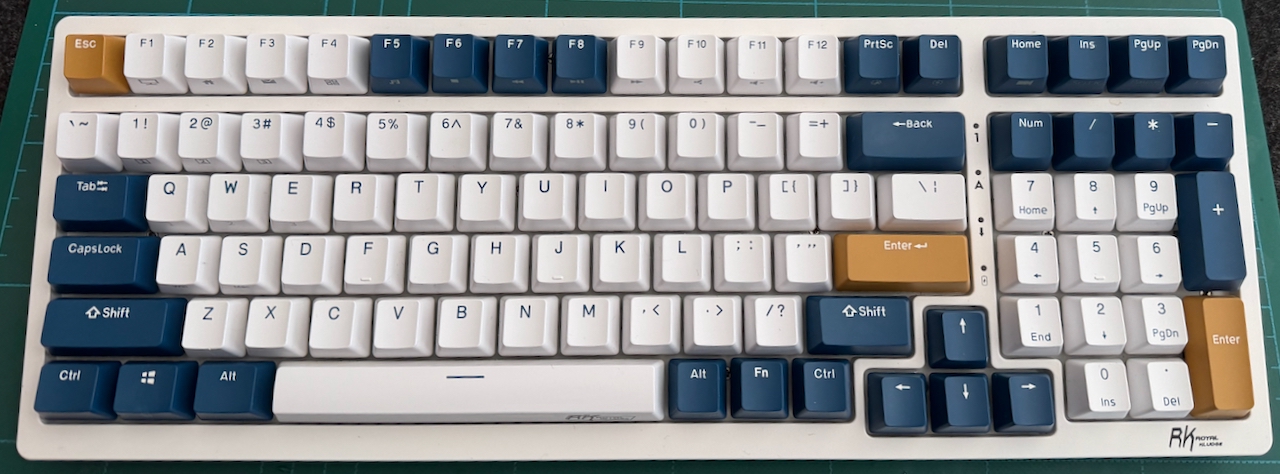
Last night I managed to spill a good amount of my pint of Yorkshire Tea, with milk, over my RK98 keyboard. To the extent that a number of keys no-longer registered, the key backlights flickered to an unrecognisable pattern, and tipping the keyboard on its edge allowed a steady flow of tea to pour out.
Therefore I quickly tore down the keyboard to quickly dry and clean the electronics before too much damage could be caused. What follows is more about the cleaning and re-assembly, but may be of assistance to anyone having to tear down in future.
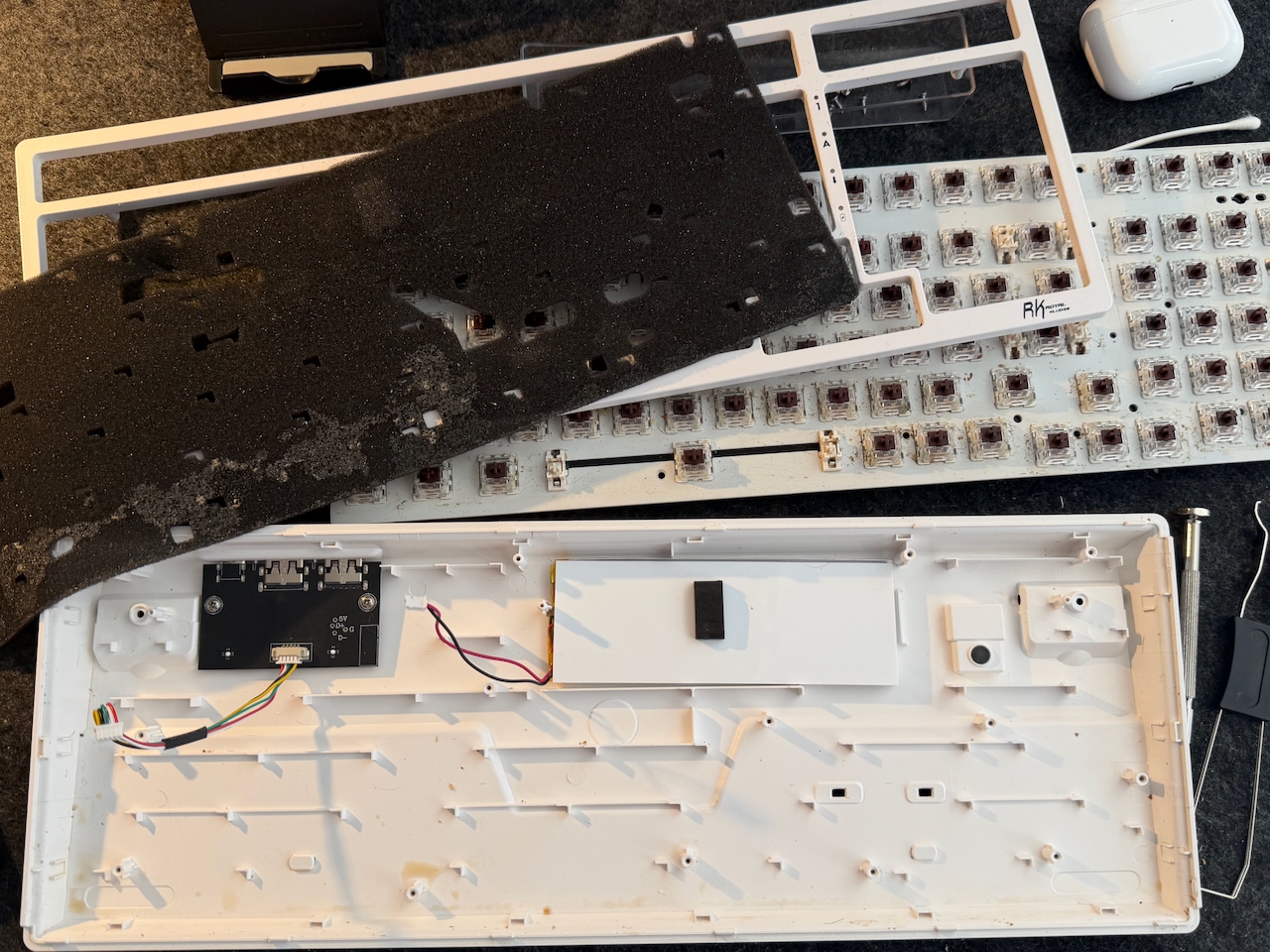
I didn’t go much further than can be seen in the photo:
- Key caps removed
- Top cover removed
- Key bed removed
- Damping foam removed (soaked in tea)
The damping foam was then rinsed clean and left overnight to fully dry out.
The base panel was cleaned of tea.
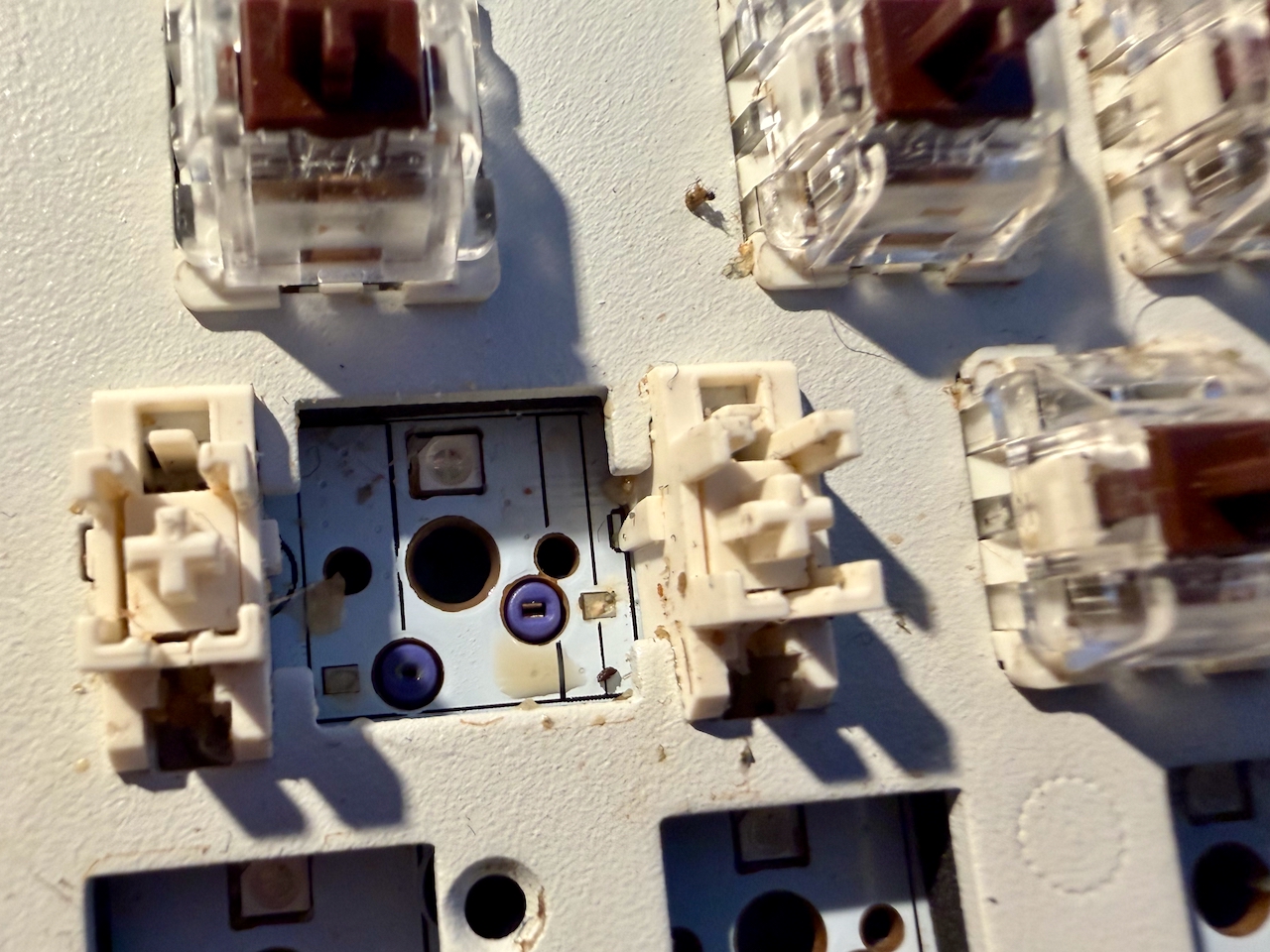
A number of switches around the affected area were removed, and the space below cleaned of tea where necessary. The rest of the keybed cleaned of all the other detritus that tends to fall between keys over time: Dust, Crumbs, Hairs etc.
Having cleaned everything, reassembly begins with the damping foam positioned by its cutouts.
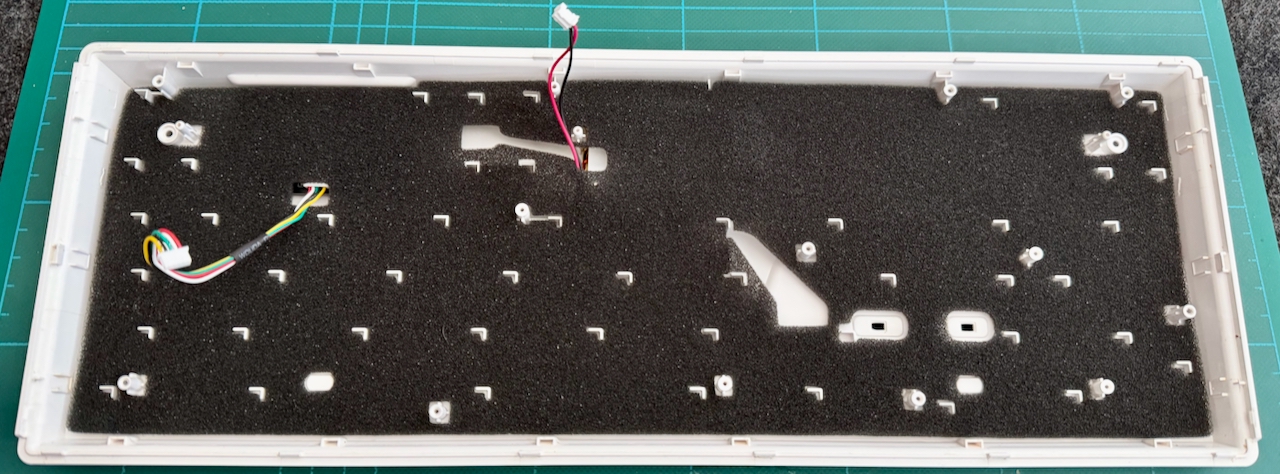
Reconnected the keybed to the base via the two cables. One to the battery and the other to the PCB carrying the USB sockets. At this point tested the keys and back-lights before continuing assembly.
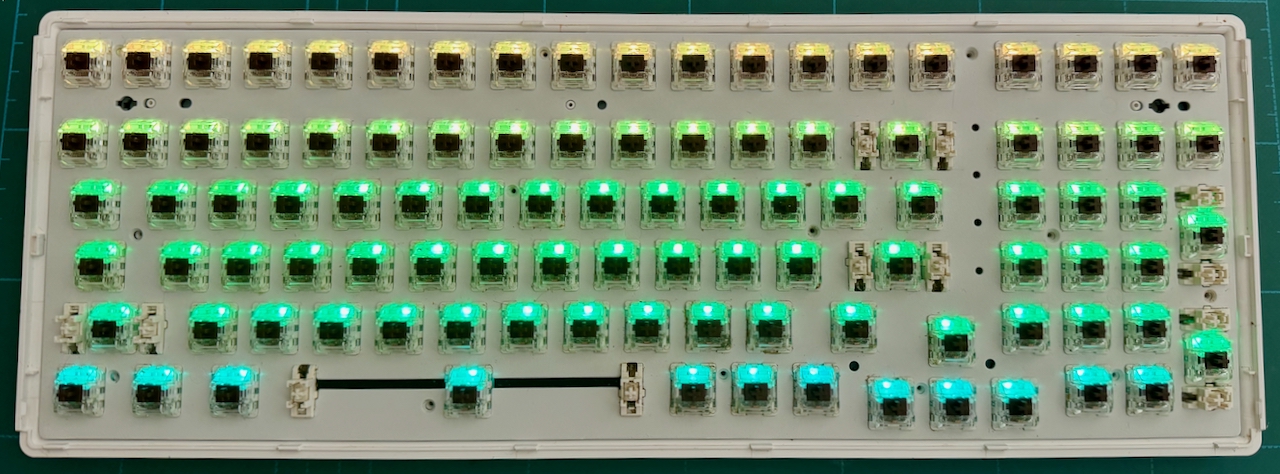
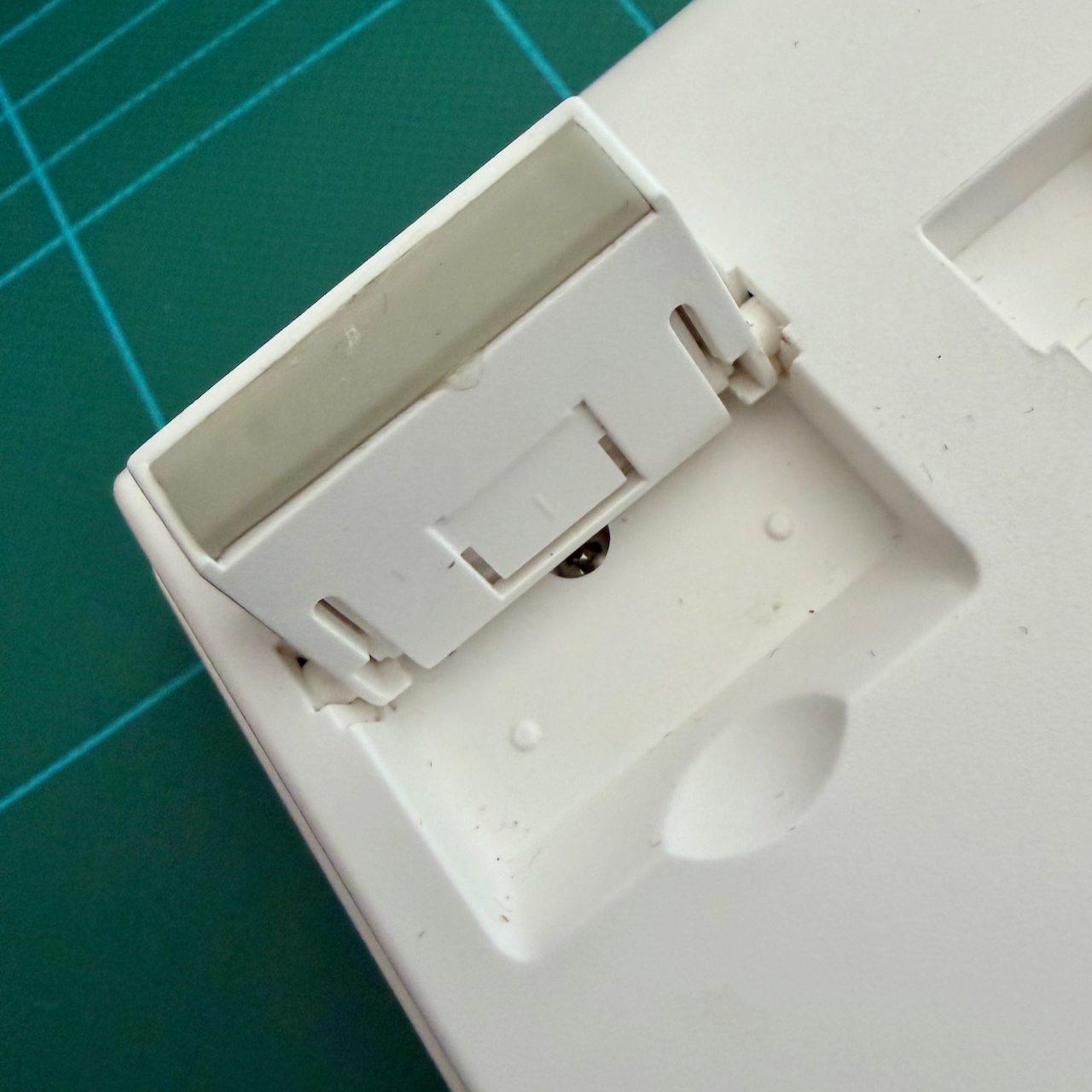
With those tests ok, it is time to screw the keybed back into the base with the 14 screws and affix the top panel by clipping into place, then securing with the two screws from behind – within the recess of the rear riser feet, then snap the feet back into place
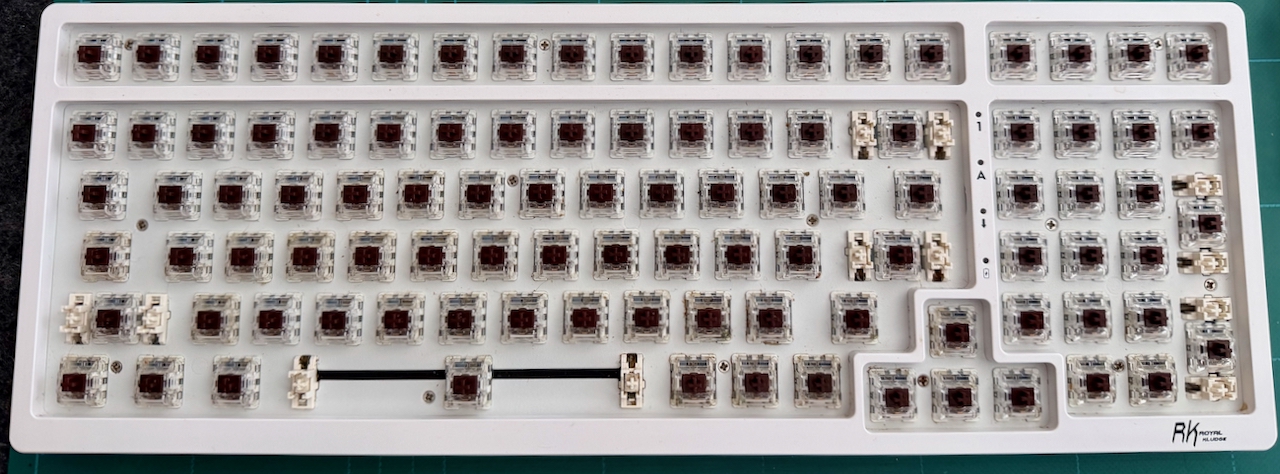
Finally, keycaps cleaned and pushed back into place.