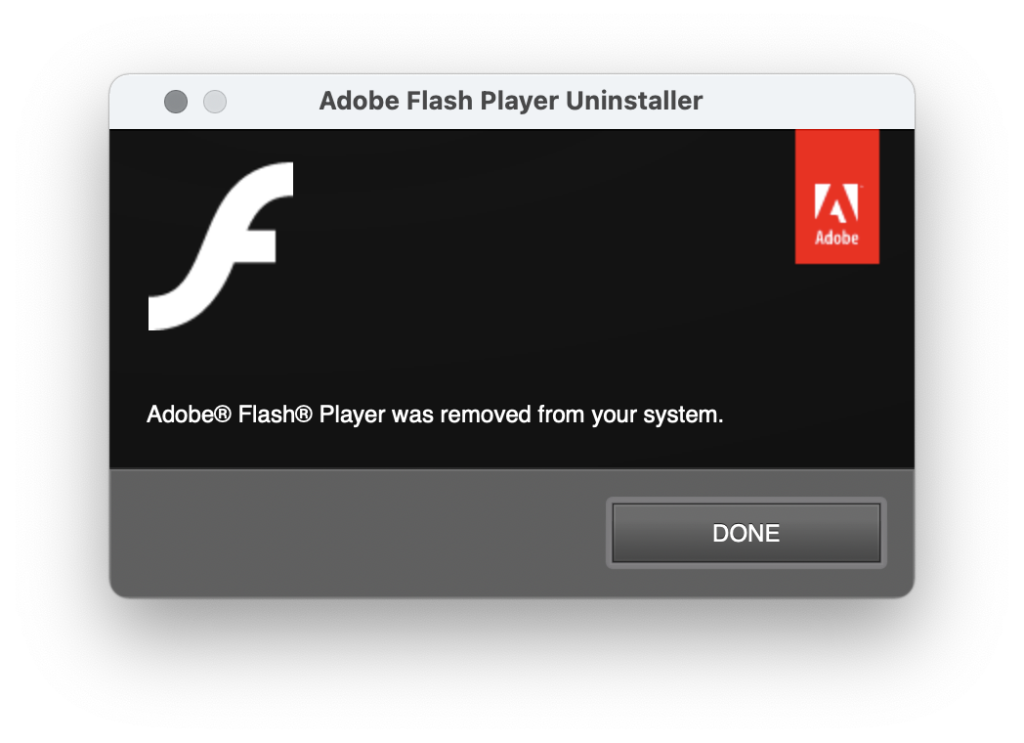
So, I finally uninstalled Flash Player on 31 December 2020 as it ceases to be supported by adobe.
Consequently a number of the older articles on this blog, if they didn’t already, will cease to make sense. I started the blog back in 2006 when I had decided to freelance and focus my programming skills on flash.
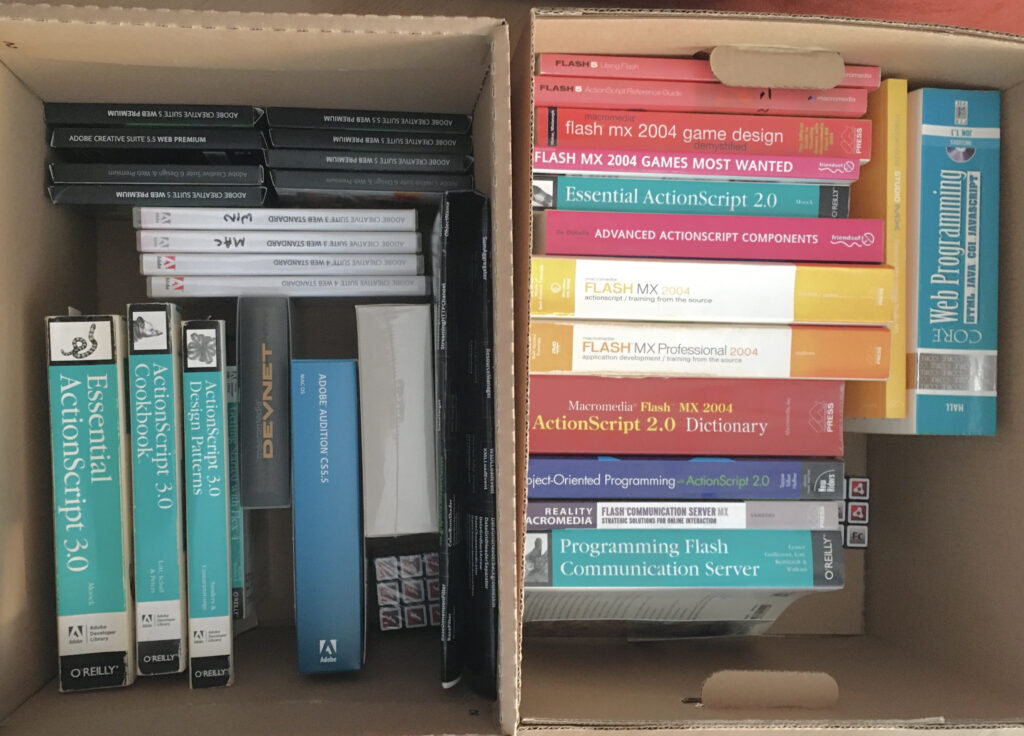
I now have couple of archive boxes books and DVDs of redundant material.
The first time I encountered Flash was around 1996/1997. I was at the time developing CD-ROM applications using Macromedia Director. The web was starting to take off, although outside of corporate networks everybody’s access was via a dialup modem. Very slow. Browsers were pretty crude and inconsistent in behaviour for all but the most basic interactions.
We had a visit from someone at Macromedia that excited our manager at the time, but I didn’t see the potential in Flash. Yes, it used vectors. Yes, it had animation. But there was little or no interactive capability – no programmatic language – Director was so far ahead.
My career moved to project management, and Flash did make it’s way into our studio, primarily in the realm of designers – interactions remained extremely limited but Flash had two key valuable properties that I think gave it a solid foundation: It looked and behaved the same, no matter what browser or platform, and that being vector based, it was extremely bandwidth efficient compared to anything that could be built in Director (or Authorware)
Next step in my career was server side, and xhtml/javascript. Flash added a further string to its bow by enabling video streaming – mixed with vector animation and more sophisticated interactions – again maintaining consistent appearance across platforms and browsers while the browser wars raged.
As the dot com boom went bust, I went freelance, but having to decide where to focus. I spent time learning Java and Flash, and eventually Flash won my attention – I have always enjoyed working on ‘creative’ projects along with designer and other creative types.
I enjoyed programming ActionScript 2, but Flash felt somewhat buggy at the time. The ActionScript components were good in principle, but again, buggy – so much time spent developing workarounds against a tight deadline.
I really enjoyed programming ActionScript 3 – It was far more solid. capable and better structured, Flex provided a solid framework that did not suffer the problems of the earlier UI component framework.
Flash with Flex remained great at:
* Being consistent across platforms
* Providing a video playback platform
* Proving an animation platform and intuitive ways of tying interactions together with ActionScript
* Enabling designers and developers to work together on really interesting creative projects
In 2010, I was really disappointed by Steve Jobs thoughts on Flash, but more disapointed by Shantanu Narayen’s response. It didn’t feel like there was a technical initiative coming to solve the issues raised by mobile. On reflection, Steve Jobs was right. It is true that performance was poor on mobile devices – certainly on my HTC Desire. And using flash to attempt to emulate the new touch controls, even the scroll inertia was hugely wasteful of cpu cycles compared utilising controls already built into the mobile systems.
I quite liked AIR, and used it with Flex on a few projects. It worked well, although it exposed the perennial issue of the UI controls not necessarily behaving as a user would expect. Yes it continued to provide consistency across platforms, but when we move into an application space, compliance with the expectations of the host system becomes more paramount than ensuring the application looks pixel-for-pixel the same across platforms. Attempting to adapt (testing for OS to decide where to position things like dialog button defaults and window controls) became tedious. The end result – spend the extra effort, or release an inconsistent product.
Most of my discussion is from a programmatic / application point of view. For all it’s faults Flash Platform created a great community of designers and developers and a few who could wear both hats, working to build some wonderful projects while the browsers were somewhat chaotic.
Having seen the full life cycle of a product makes me feel old. From its humble beginnings, to massive dominance, to falling back as other technology caught up and surpassed. I still have a sealed copy of Flash Builder 4. I wonder what I’m going to do with that.
Here’s a search that will return my old flash related bloggings
As reported elsewhere
- Adobe Flash Player EOL General Information Page
- BBC News – Adobe Flash Player is finally laid to rest
- Gadgets360 – Adobe Flash Player Says Goodbye: A Look Back at Its Iconic Journey and How You Can Still Play Flash Games
- MacRumors – Adobe Officially Ends Flash Support, Recommends Uninstalling Immediately